
Description
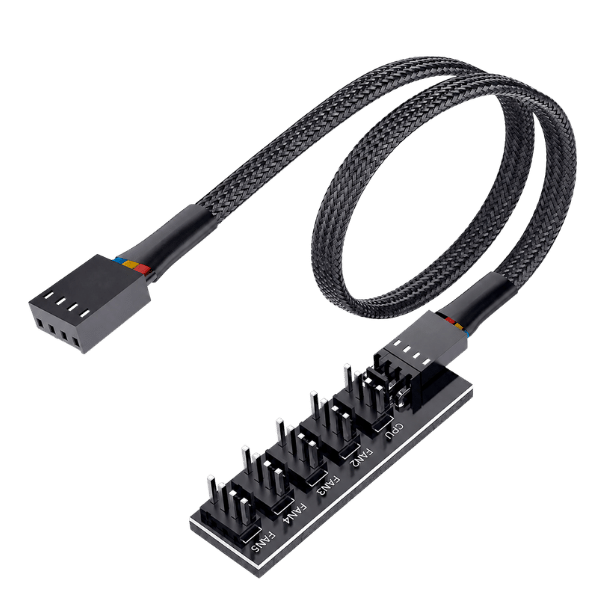
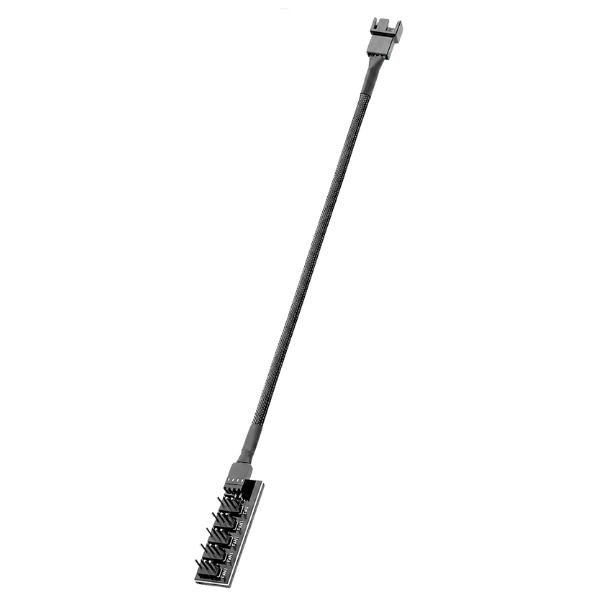
The PWM Fan Hub 1-to-5 Splitter Cable expands one standard 4-pin PWM fan header into five fan connections. Its 16-inch black braided lead provides flexible routing for Bitcoin miners, PCs, home servers, and other builds that need several fans to follow one PWM control signal.
The hub is passive: it does not create additional power or change voltage. Every connected fan receives power and the same PWM duty-cycle signal from the host header. Only the master port returns a tachometer signal, so firmware reports the RPM of that fan rather than five separate fan speeds.
PWM Fan Hub Specifications
| Specification | Details |
|---|---|
| Input | 1 × standard 4-pin PWM female connector |
| Outputs | 5 × 4-pin PWM fan connectors |
| Cable length | 16 in / approximately 40 cm end to end |
| Connector pitch | 2.54 mm PWM fan-header format |
| Voltage | Passive; passes 5V or 12V supplied by the host header |
| Fan compatibility | 3-pin and 4-pin fans; PWM speed control requires 4-pin PWM fans |
| RPM reporting | Master port only |
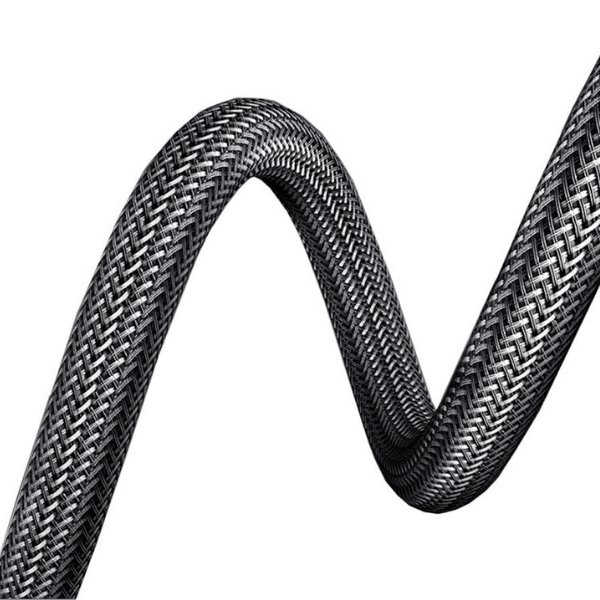
| Cable finish | Black nylon braided sleeve |
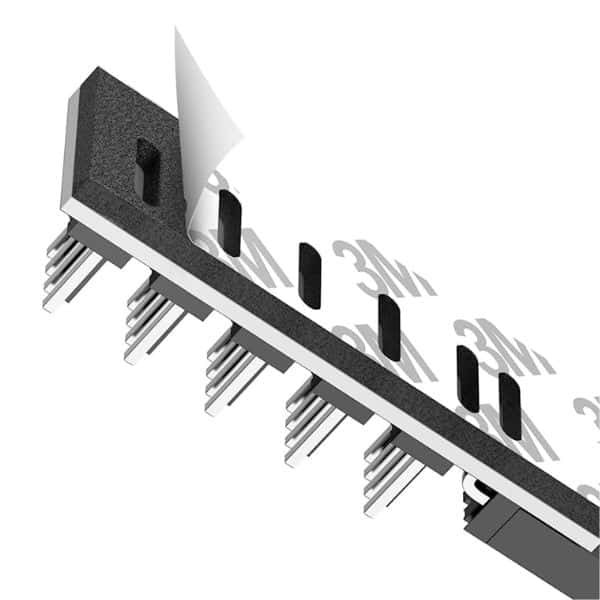
| Mounting | Pre-applied adhesive backing |
| RGB/ARGB control | Not supported; this hub carries fan power, PWM, and one tachometer signal |
How the Five Fan Ports Work
All five connected fans receive the same PWM command, but their actual RPM can differ because fan models, bearings, blade designs, and tolerances differ. Connect the fan you most need to monitor to the master port. The other ports omit their tachometer return so multiple RPM signals do not collide on one host input.
A 3-pin fan can connect mechanically, but it does not support 4-wire PWM control. Depending on the host hardware, a 3-pin fan may run at full supplied voltage instead of following the PWM command.
Header Current and Electrical Safety
Because this is an unpowered splitter, the host header supplies the combined load of every attached fan. Add the rated running current of all fans and account for startup current, then compare that total with the board manufacturer’s fan-header limit. Use the lower limit whenever the header, cable, or fan documentation differs.
Do not assume five available sockets mean five high-current fans are safe. If the combined load exceeds the host header rating, use a separately powered PWM hub designed for the required current. This product is intended for 5V or 12V fan systems; 24V operation is not claimed.
Compatibility
The hub can be used with compatible Bitcoin home miners, desktop motherboards, home servers, NAS systems, and electronics builds that provide a standard 4-pin PWM fan header. Before installation, verify:
- The host header voltage matches every connected fan.
- The combined running and startup current stays within the host-header rating.
- The connector key and pin order match the standard PWM format.
- The cable will remain clear of fan blades, heatsinks, and sharp board edges.
Installation
- Shut down and unplug the host device.
- Confirm the fan voltage and combined current requirements.
- Connect the hub input to the host’s 4-pin PWM fan header.
- Connect the fan whose RPM should be monitored to the master port.
- Connect the remaining fans to ports two through five.
- Route and secure the cable away from blades and hot surfaces.
- Power on and monitor fan operation and component temperature before increasing load.
What’s Included
- 1 × black braided PWM fan hub with one input, five outputs, a 16-inch cable, and adhesive backing
Helpful Guides
Choosing a Bitaxe Cooling Solution
Compare fans, heatsinks, airflow, thermal interfaces, and practical upgrade considerations.
Bitaxe Overclocking Guide
Understand the relationship between frequency, voltage, power, fan speed, temperature, and stability.
AxeOS Guide
Monitor fan speed, ASIC temperature, voltage, hashrate, efficiency, and error percentage.
MOSFET Heatsink Placement Guide
Identify heat-producing components and install small heatsinks without creating shorts or clearance problems.
What does a 1-to-5 PWM fan hub do?
Does the PWM fan hub supply additional power?
Can I safely connect five fans to one header?
Which fan RPM will AxeOS or BIOS display?
Will all five fans run at the same RPM?
Does the hub work with 3-pin fans?
Does the hub work with both 5V and 12V fans?
Can I use this hub with a 24V fan system?
Does this fan hub control RGB or ARGB lighting?
How long is the PWM fan hub cable?
How is the hub mounted?
What is included with the PWM fan hub?

Reviews
There are no reviews yet.