Description
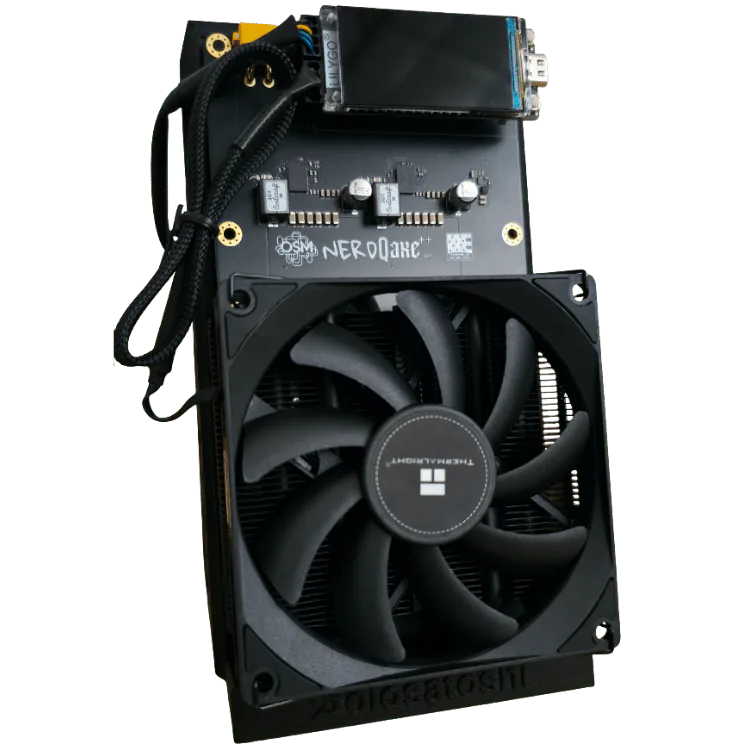
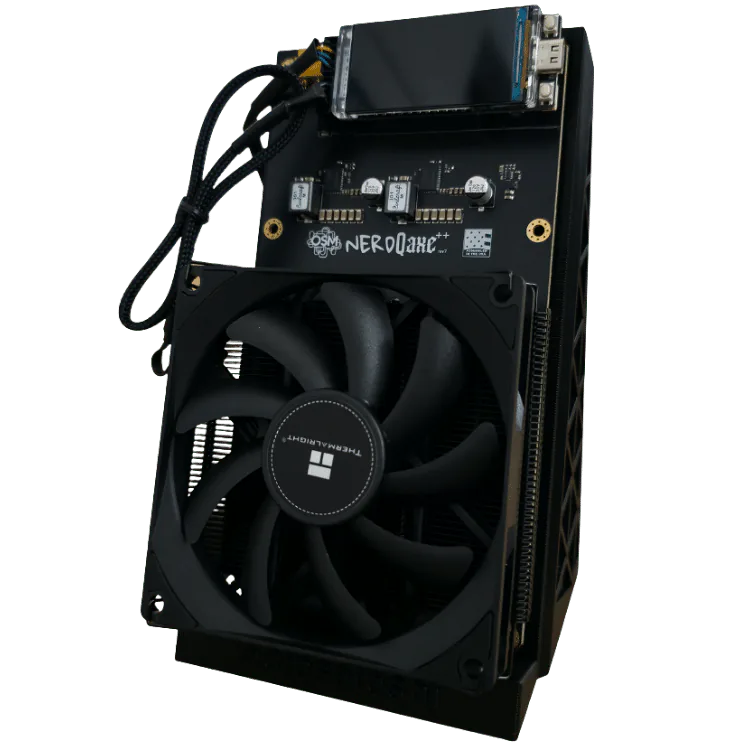
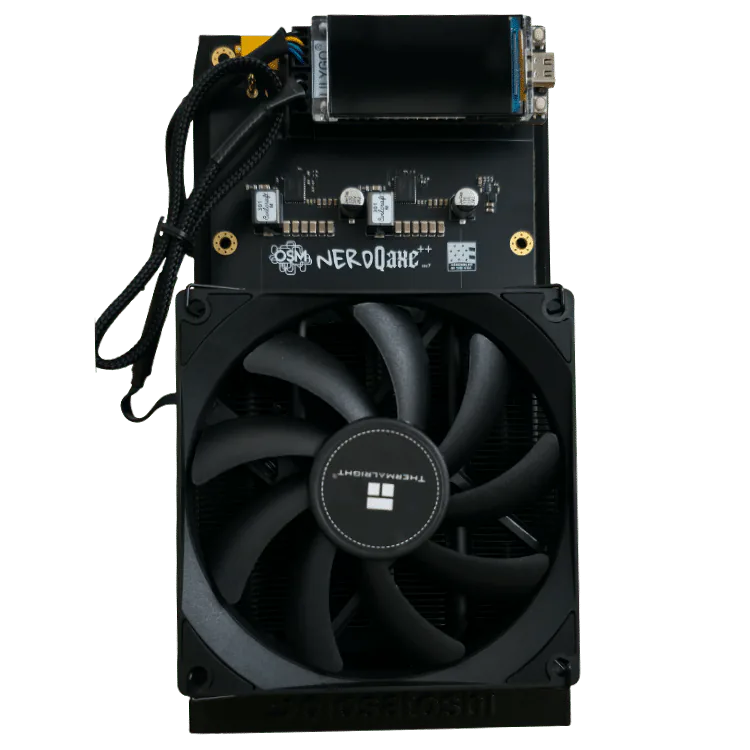
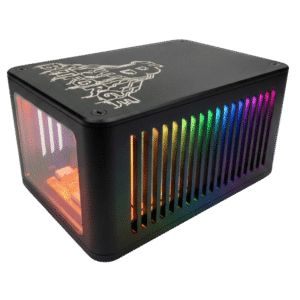
The NerdQaxe++ Revision 7 is an open-source, quad-chip Bitcoin solo miner built with four Bitmain BM1370 ASICs. At stock settings it delivers approximately 4.8 TH/s at 69.5W, or 14.48 J/TH. Solo Satoshi testing reached approximately 8.1 TH/s at 140W with upgraded power, additional cooling, and manual tuning; results vary by unit and operating conditions.
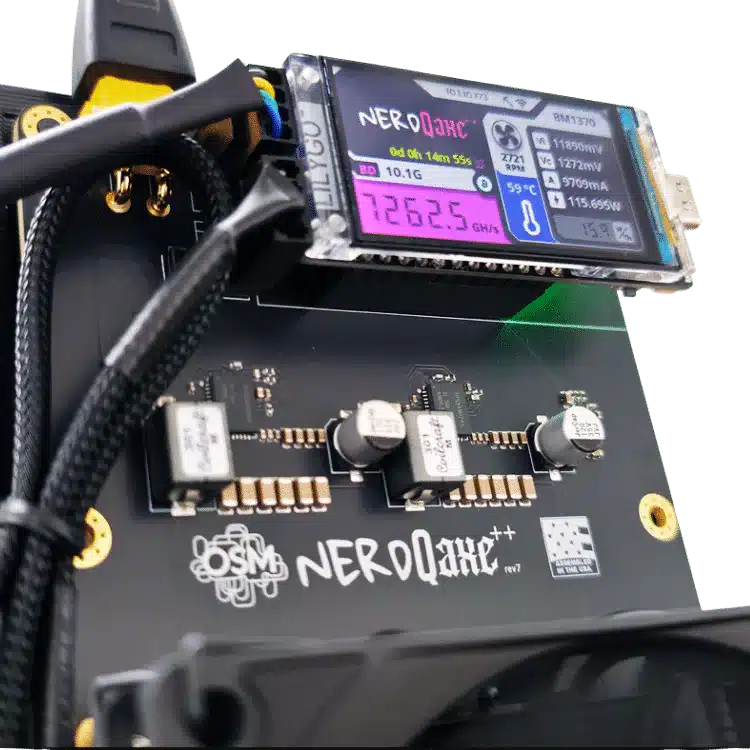
Revision 7 replaces the earlier power-delivery design with a TPS546D24A two-phase voltage-regulator configuration derived from the Bitaxe GT. It includes a 1.9-inch LilyGO color display and runs Nerd*OS, an ESP-Miner-based firmware interface for setup, pool configuration, monitoring, firmware updates, and tuning.
NerdQaxe++ Revision 7 vs. Revision 6.1
| Specification | Revision 7 | Revision 6.1 |
|---|---|---|
| Stock hashrate | 4.8 TH/s | 4.82 TH/s |
| Stock power | 69.5W | 70.6W |
| VRM | TPS546D24A, two-phase | 95472MC, three-phase |
| Tested overclock | 8.1 TH/s at 140W | 6+ TH/s at 103W |
| Firmware ceiling | 1000 MHz | 800 MHz |
Revision 7 focuses on power delivery and additional tuning headroom. Overclocked figures require appropriate cooling and power, and they are not guaranteed for every unit.
NerdQaxe++ Revision 7 Technical Specifications
| Specification | Details |
|---|---|
| Model | NerdQaxe++ Revision 7 |
| ASIC Chips | 4× Bitmain BM1370 (S21 Pro) |
| Hash Rate (Default) | ~4.8 TH/s (±15%) |
| Hash Rate (Overclocked)* | ~8.1 TH/s (±15%) |
| Power Draw (Default) | ~69.5 W (±15%) |
| Power Draw (Overclocked)* | ~140 W (±15%) |
| Efficiency (Default) | ~14.48 J/TH (±15%) |
| Efficiency (Overclocked)* | ~17.28 J/TH (±15%) |
| Voltage Regulator | TPS546D24A two-phase (from Bitaxe GT) |
| Algorithm | SHA-256 |
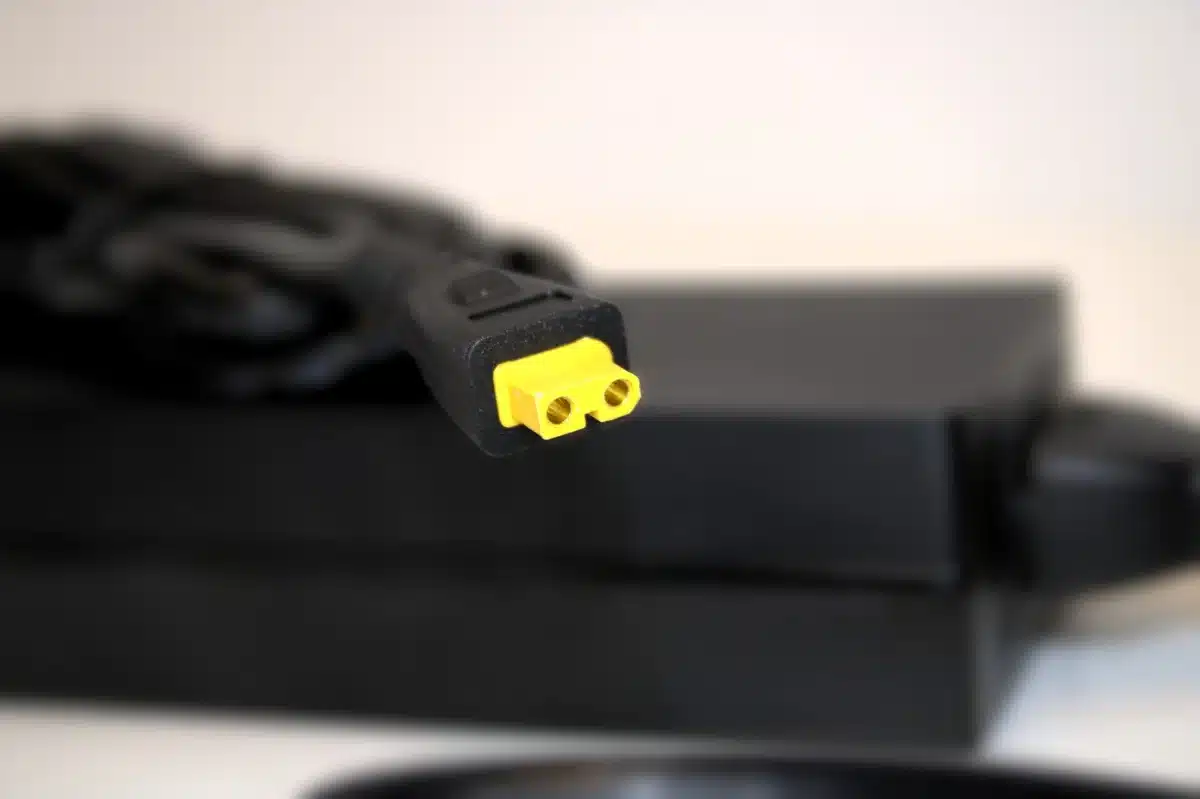
| Power Connector | XT30 (supports up to 15A) |
| Input Voltage | 12V DC |
| Copper Weight | 1 oz |
| PCB Thickness | 2mm FR-4 |
| Display | 1.9″ LilyGO LCD (color) |
| Connectivity | Wi-Fi 2.4GHz |
| Fuse | None (fuse-free design) |
| Firmware | Nerd*OS (esp-miner fork) |
| Fan Control | Automatic or Manual |
| Dimensions | 3.54″ × 4.72″ × 1.57″ |
| Weight | ~0.8 lbs with heatsink |
| Assembly | USA |
| Warranty | 90 Days Limited |
| Ships From | Conroe, Texas, USA |
NerdQaxe++ Revision 7 Performance Specs
| Specification | Default Settings (600 MHz / 1150mV) |
Overclocked Settings* (1000 MHz / 1330mV) |
|---|---|---|
| Hash Rate | 4.8 TH/s | 8.1 TH/s |
| Power Draw | 69.5 W | 140 W |
| Efficiency | 14.48 J/TH | 17.28 J/TH |
| ASIC Temperature | 60.0°C | 66.0°C |
| VRM Temperature | 57.0°C | 70.0°C |
| Fan Speed | Auto 37% | Auto 100% |
*Overclocking Disclaimer: Overclocking is performed at the end user’s own risk and is subject to the silicon lottery. Overclocking may void warranty coverage if damage occurs due to excessive voltage, frequency, or temperatures. Solo Satoshi is not responsible for damage resulting from user-modified settings. Always monitor temperatures and ensure adequate cooling before adjusting settings beyond factory defaults. The optional 124W power supply is rated for 99.2W continuous (80% derating). Running at overclocked speeds will exceed the 80% threshold. Consider an upgraded PSU for sustained overclocked operation. All data provided in this table is subject to ±15%.
*Overclocking Notes: Test station constants = 73°F ambient temp, fan speed set to auto & target temperature set to 60°C. Thermal Grizzly Kryonaut Extreme thermal paste used, stock Thermalright AXP90-X36 Black heatsink used, Mean Well LRS-350-12 used, & Noctua NF-A8 rear fan used. For full nine-tier benchmark data and an overnight stability test, read our complete NerdQaxe++ Rev 7 breakdown.
What’s New in NerdQaxe++ Revision 7
Revision 7 is a power delivery redesign. The voltage regulator circuit now uses the same configuration as the Bitaxe GT, delivering cleaner voltage under load and more overclocking headroom.
- Bitaxe GT Voltage Regulator Configuration: New VRM layout provides more stable power to all four BM1370 ASICs. This improves efficiency, thermal performance, and long-term component lifespan.
- Relocated Temperature Sensors: Voltage regulator circuit sensors are repositioned for more accurate VRM temperature readings.
- Higher Overclocking Ceiling: Stable overclocking reaches 1000MHz / 1330mV, delivering over 8 TH/s at 140W (with modifications).
Revision 7 also includes: XT30 power input (15A rated), 1oz copper traces, spring-mounted heatsink, fuse-free design, 2mm FR-4 PCB, and the 1.9″ LilyGO color LCD.
Read the full NerdQaxe++ engineering breakdown and revision history.
What’s Included with Your NerdQaxe++ Revision 7
- NerdQaxe++ Revision 7 unit (assembled, tested, and firmware flashed with Nerd*OS).
- Quick-start card, QR code link to detailed setup guide.
- Solo Satoshi sticker sheet.
Optional Additions
- 12.4 Volt, 10 Amp, 124-Watt power supply (with US | UK | AU | EU style C-13 AC power cord).
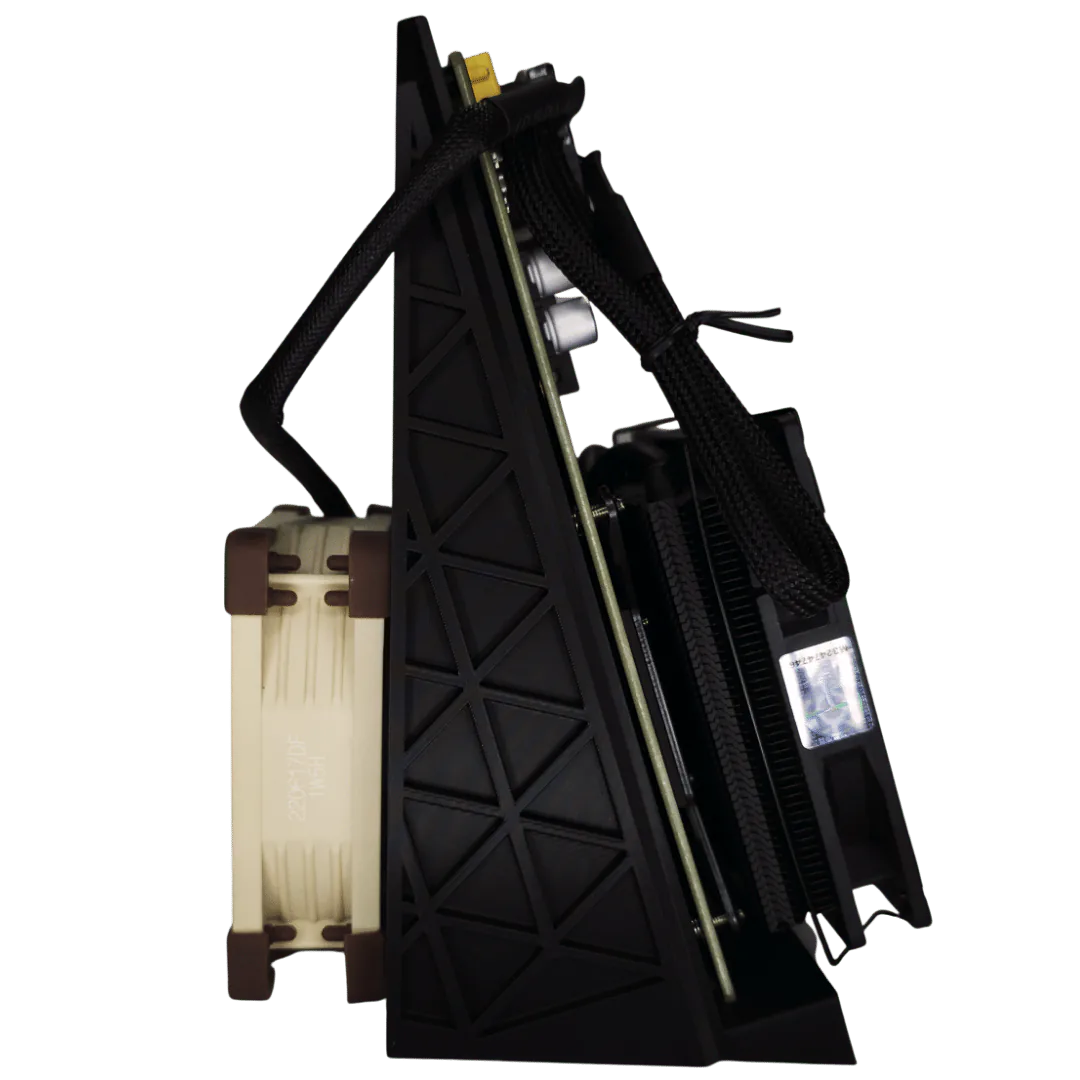
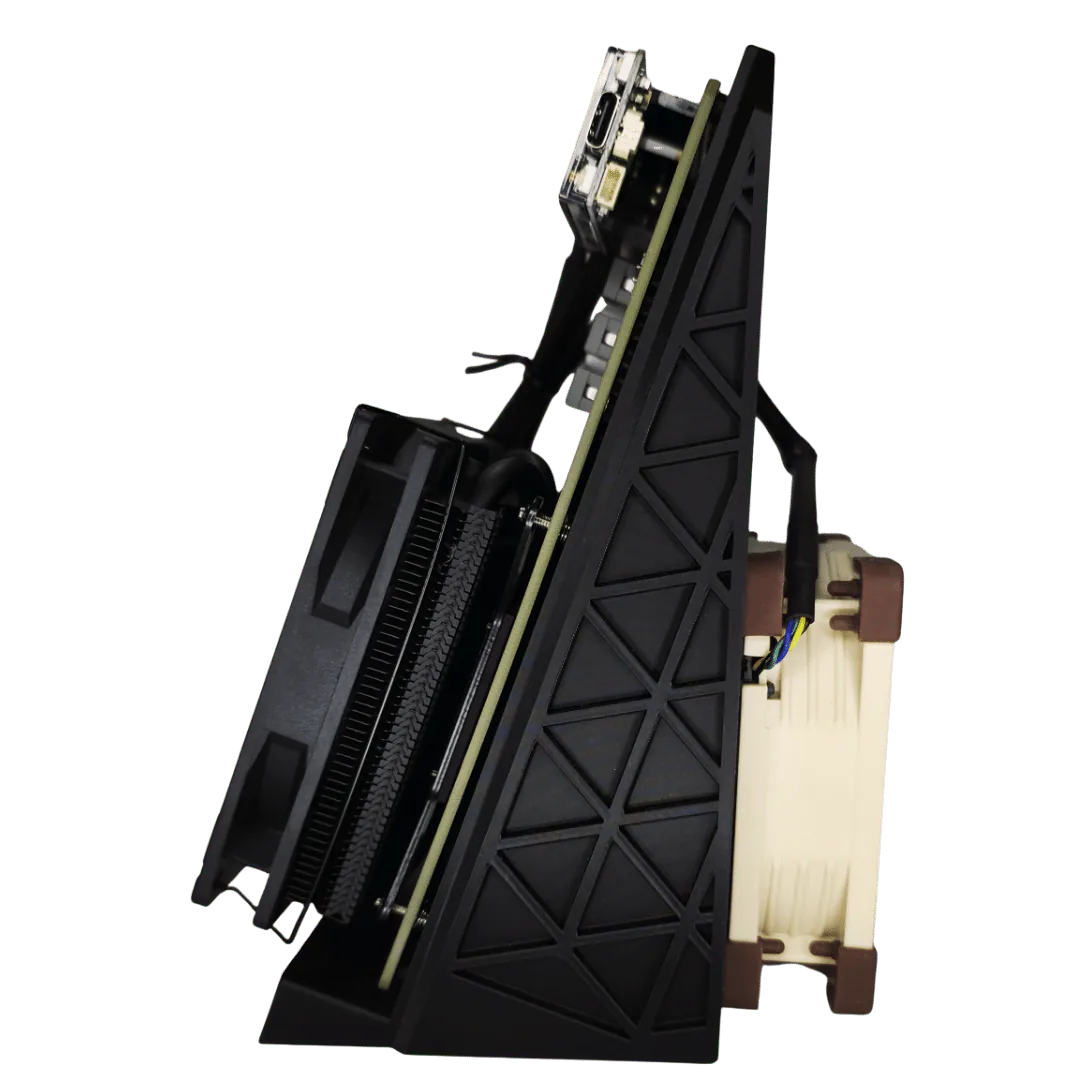
- Solo Satoshi 3D-printed stand.
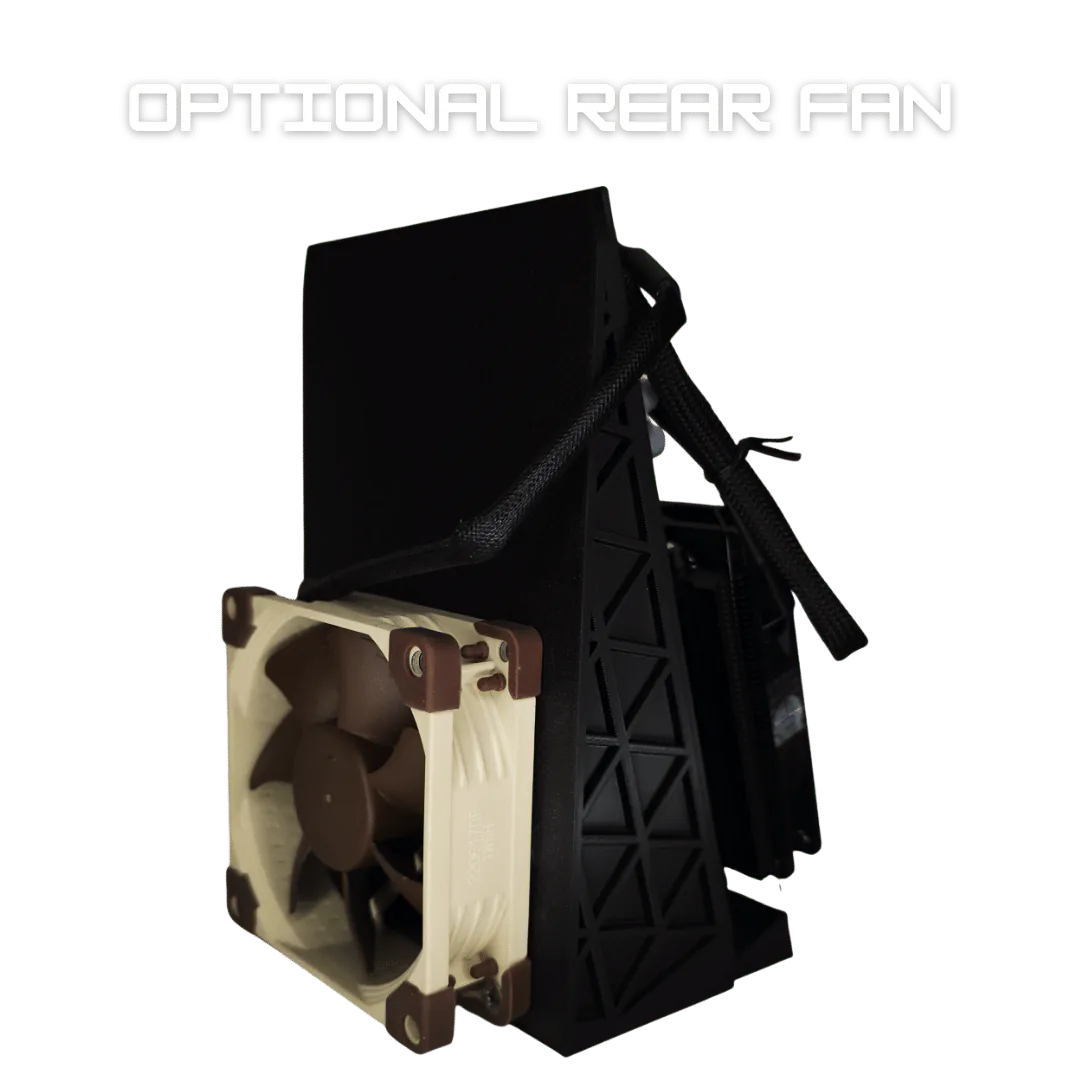
- 80mm Noctua 12V rear fan.
Optional items are classified as “add-ons” for customers that have 3D printers to print stands and have power supplies that support multiple miners.
How to Overclock Your NerdQaxe++ Revision 7
- Access the Nerd*OS dashboard from your browser.
- Navigate to the “Settings” tab.
- Scroll down to “Mining Settings”.
- Locate the small, faded square to the right-hand side of the Mining Settings box and select it.
- Adjust “Frequency” and “Core Voltage” one tier at a time, up to a maximum of 1000 MHz / 1340mV. Allow temperatures to stabilize before increasing further.
- Hit Save, then restart.
- Monitor temperatures on the dashboard. Automatic fan control ramps to 100% at full overclock.
PSU note: When selected, the optional 124W power supply is rated for 99.2W continuous at 80% derating. Any overclock above 800 MHz will approach or exceed that threshold. For sustained overclocked operation, consider a higher-rated power supply.
See the full NerdQaxe++ overclocking guide.
How to Set Up Your NerdQaxe++ Revision 7
Setting up the NerdQaxe++ takes about 5 minutes:
- Step 1: Power On and Connect. Connect the NerdQaxe++ to a compatible 12V power supply using the XT30 input. The miner broadcasts a Wi-Fi hotspot. Connect from your phone or computer.
- Step 2: Configure Wi-Fi. Enter your home network credentials through the Nerd*OS web interface.
- Step 3: Enter Your Bitcoin Address. Input any on-chain BTC wallet address. A SegWit address starting with bc1q works best.
- Step 4: Select Your Pool. Choose solo mining via Public Pool or Solo CKPool, or connect to a payout pool like Ocean Mining or Braiins.
- Step 5: Start Mining. Save settings. Your NerdQaxe++ is now hashing.
See the complete NerdQaxe++ setup guide with screenshots.
Firmware updates install from the AxeOS settings page, or over USB-C using the Solo Satoshi Web Flasher. See how to flash your NerdAxe.
Why Buy Your NerdQaxe++ from Solo Satoshi
- Original NerdQaxe++ seller. We have carried every revision since launch and work directly with the open-source developers.
- Assembled in the USA. Every unit is 100% assembled, tested, and firmware flashed in the USA before shipping.
- Same-day shipping from Conroe, Texas on orders placed before 12pm CST.
- 90-day warranty covering manufacturing defects. If something is wrong, we make it right.
- Real expert support. Our team uses NerdQaxe++ miners daily. Available via our support ticket system.
Helpful Guides
NerdQaxe++ Revision 7 Benchmarks
Review the VRM redesign, revision history, benchmark settings, temperatures, and test results.
NerdQaxe++ Setup Guide
Connect to Wi-Fi, open Nerd*OS, configure a Bitcoin address, and select a mining pool.
NerdQaxe++ Overclocking Guide
Learn how frequency, voltage, cooling, and power capacity affect tuning and stability.
Bitaxe and NerdAxe Web Flasher Guide
Understand compatible firmware updates, recovery flashing, and board selection.
What is the NerdQaxe++ Revision 7?
How is NerdQaxe++ Revision 7 different from Revision 6.1?
What are the NerdQaxe++ stock hashrate, power draw, and efficiency?
Can the NerdQaxe++ be overclocked?
Is the NerdQaxe++ hydro cooled?
Is a power supply included with the NerdQaxe++?
What comes with the NerdQaxe++ base package?
How do I set up a NerdQaxe++?
How do I reset or factory reset a NerdQaxe++?
How do I update or flash NerdQaxe++ firmware?
Can the NerdQaxe++ solo mine or use a payout pool?
Is NerdQaxe++ mining profitable?
What does the optional rear fan do?
Is the NerdQaxe++ open source?
What warranty, shipping, and pickup options are available?
Reviews for NerdQaxe++ Bitcoin Solo Miner (Revision 7)