Description
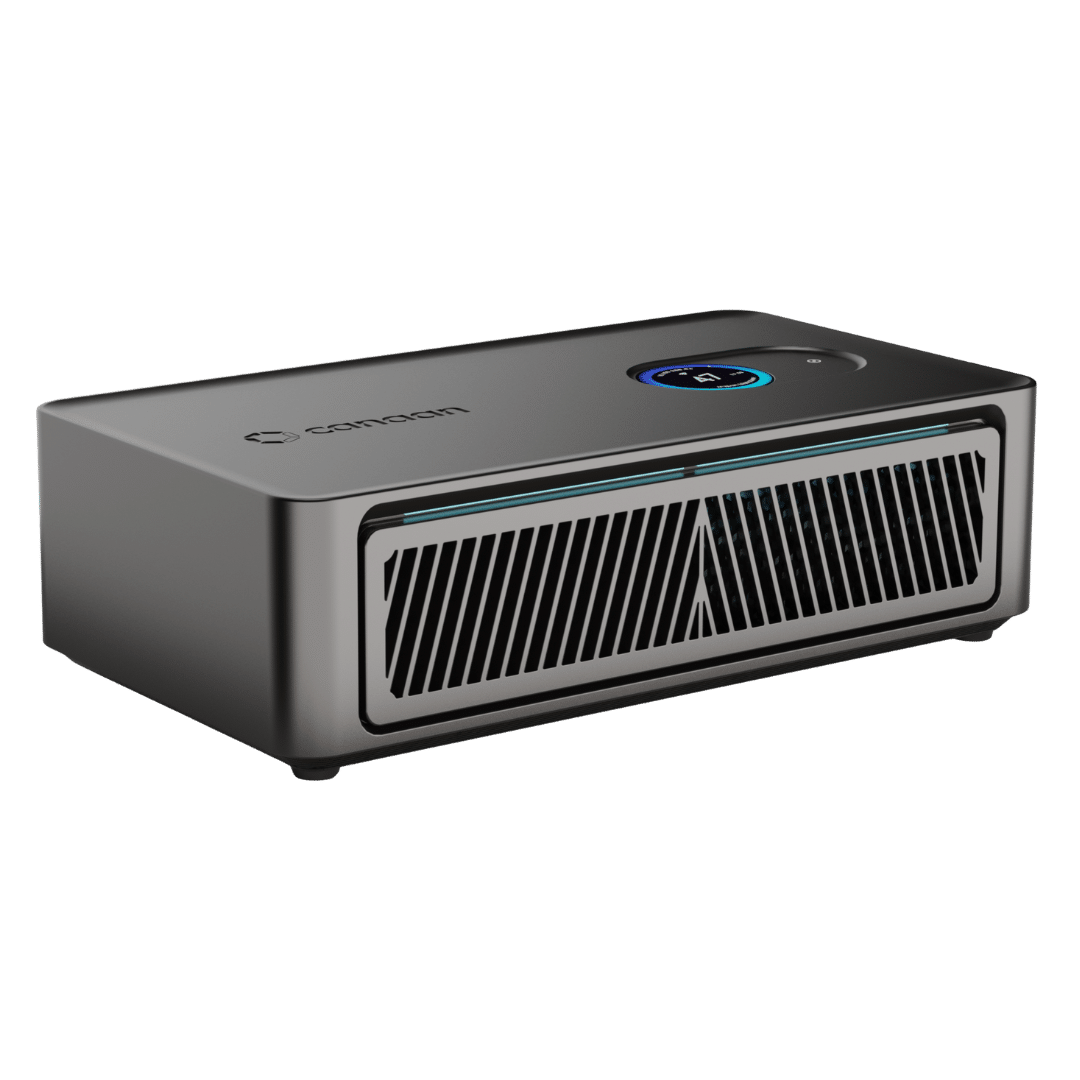
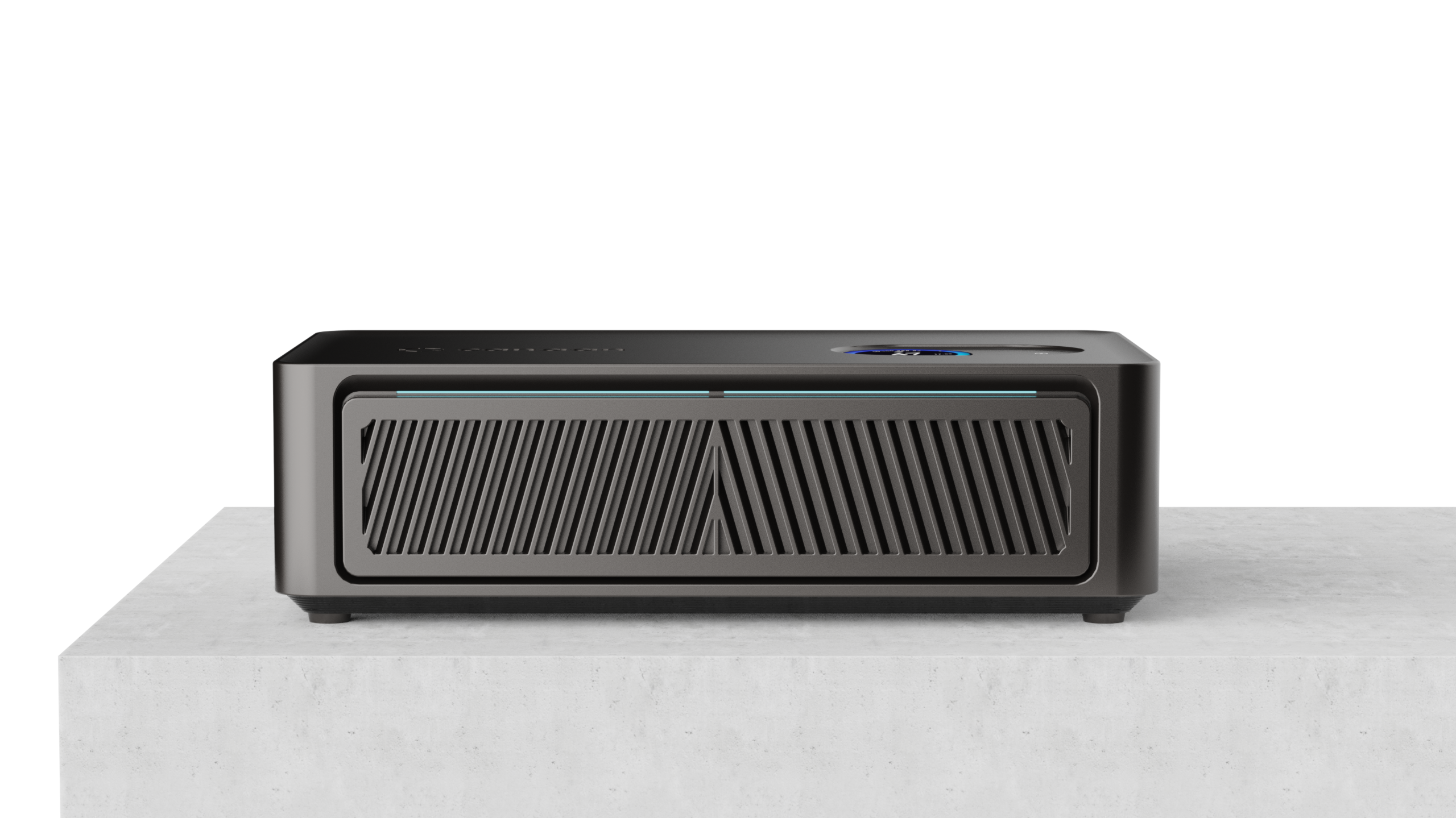
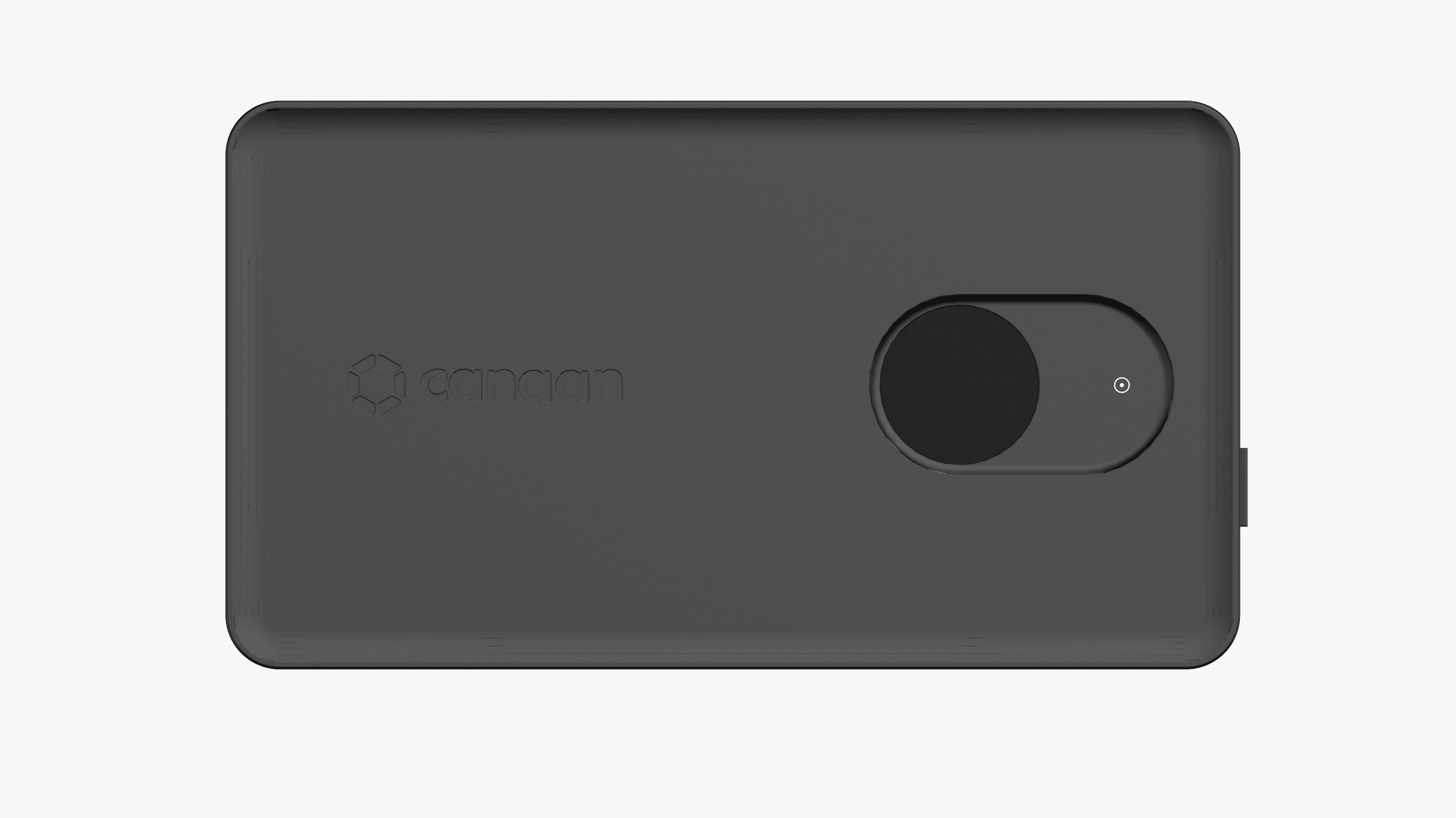
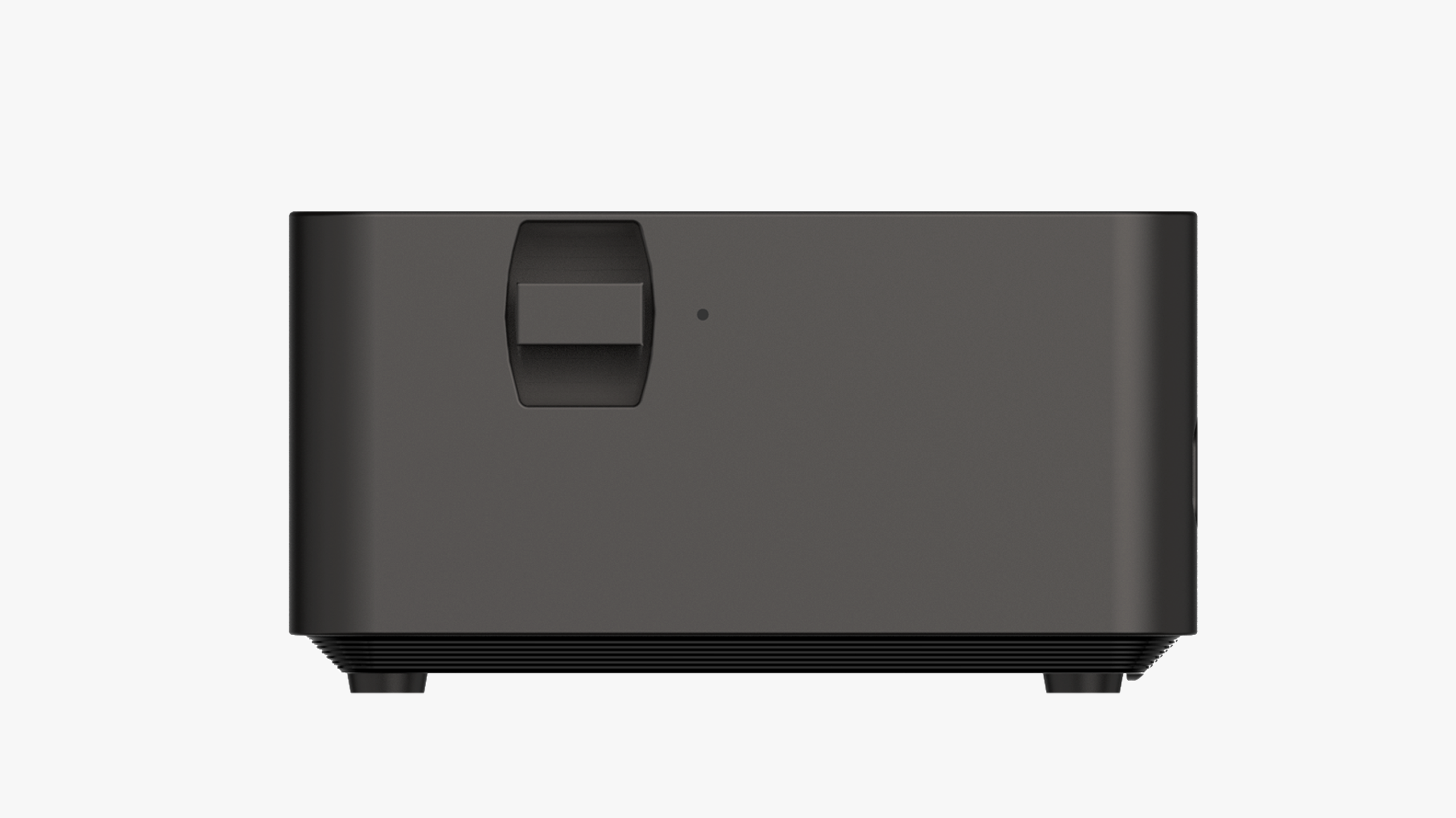
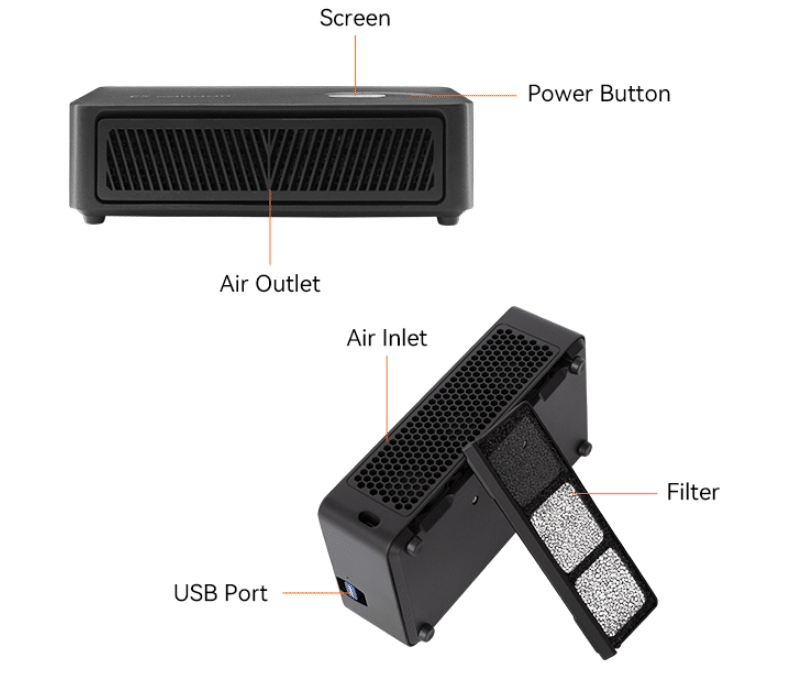
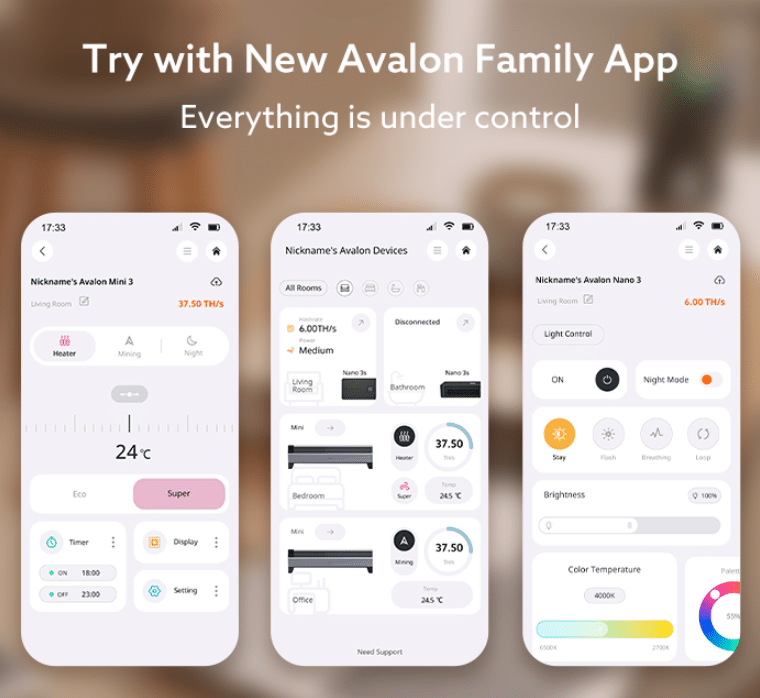
The Canaan Avalon Nano 3S is a compact 6 TH/s SHA-256 desktop Bitcoin miner and supplemental heater. It uses twelve 4 nm mining chips, includes a 140W GaN power adapter, and connects through the included USB Wi-Fi module. A circular screen, removable dust filter, and Avalon Family app controls make it approachable for first-time home miners.
Avalon Nano 3S Specifications
| Specification | Details |
|---|---|
| Manufacturer / model | Canaan Avalon Nano 3S |
| Algorithm | SHA-256 |
| Rated hashrate | 6 TH/s ±5% |
| Mining chips | 12 chips, 4 nm process |
| Maximum power | 140W |
| Rated efficiency at 6 TH/s | Approximately 23.3 J/TH |
| Power adapter | Included 28V, 5A, 140W GaN adapter with PD 3.1 |
| Published noise range | 30–40 dB; Canaan measured 30 dB at 25°C in Low mode |
| Connectivity | Included USB Wi-Fi module; limited support for individual USB LAN adapters |
| Operating temperature | -5°C to 30°C |
| Dimensions | 205 × 115 × 58.5 mm / 8.07 × 4.53 × 2.30 in |
| Net weight | 0.86 kg / 1.90 lb |
Three Selectable Power Levels
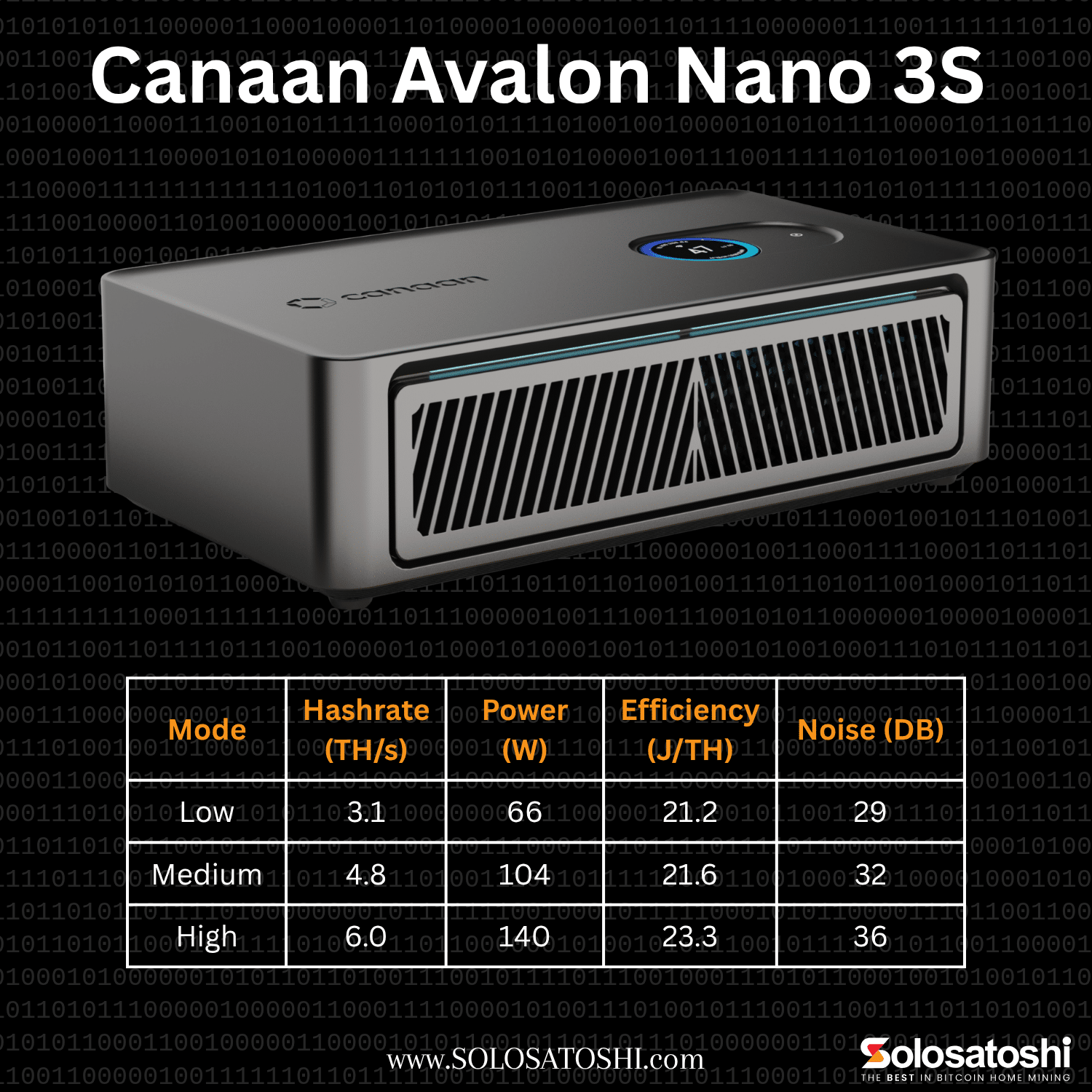
The Avalon Family app provides Low, Medium, and High levels. The figures below are Solo Satoshi observed targets rather than guaranteed factory outputs. Individual units, firmware, room temperature, fan behavior, pool conditions, and power-adapter losses affect results.
| Level | Typical hashrate | Typical miner power | Approximate heat output |
|---|---|---|---|
| Low | About 3.1 TH/s | About 66W | About 225 BTU/h |
| Medium | About 4.8 TH/s | About 104W | About 355 BTU/h |
| High | Up to about 6 TH/s | Up to about 140W | About 478 BTU/h |
At maximum power it produces roughly the same heat as a 140W electric appliance. It can warm hands or a nearby desk area, but it is not a replacement for a room-sized heater.
Wi-Fi, Optional LAN, and Local Control
The included USB Wi-Fi module is Canaan’s recommended connection method. The USB interface also supports certain single USB-to-Ethernet adapters, but Canaan does not guarantee every RJ45 adapter or USB hub. Configure and monitor the miner through the Avalon Family app on the same local network.
The app is used to register the device, connect Wi-Fi, add pool credentials, select a power level, and view mining status. Keep the network private, use a strong device password, and avoid exposing the miner’s local management interface directly to the public internet.
Power-Connector Safety
Canaan has reported a limited number of Nano 3S USB-C power-connector overheating or melting incidents associated with continuous high load, humid or condensing environments, and partially seated connectors. Newer production uses a higher-current-rated connector, and Canaan maintains an upgrade or replacement program for affected devices.
- Use the bundled 140W adapter and cable.
- Push the power connector in fully and prevent cable strain.
- Keep the miner out of humid or condensing areas.
- Place the adapter and miner where heat can escape.
- Stop using the unit if the plug becomes unusually hot, discolored, deformed, loose, or produces an abnormal odor.
Avalon Nano 3S Setup
- Place the miner on a firm surface with the intake and outlet unobstructed.
- Insert the included USB Wi-Fi module.
- Seat the bundled power connection fully, then connect AC power.
- Install the Avalon Family app and add the device.
- Connect it to a 2.4 GHz Wi-Fi network.
- Enter the selected pool URL, port, Bitcoin payout address, and worker name if required.
- Begin in Low mode and confirm accepted shares, stable power, temperature, fan operation, and connector condition before selecting another level.
Solo Mining and Pool Mining
The Nano 3S can use compatible Stratum SHA-256 pools for solo or shared pool mining. Solo mining is probabilistic and does not produce a predictable daily payout. A 6 TH/s miner may run indefinitely without discovering a block. Pool fees, payout rules, Bitcoin difficulty, the current block subsidy, transaction fees, and uptime all affect outcomes.
Use the Solo Satoshi mining calculator for current estimates rather than relying on static revenue figures.
Avalon Nano 3S Hardware and Firmware Resources
- Avalon Nano 3S Linux firmware source and build instructions
- A3197S ASIC driver source
- Hardware files: This firmware SDK does not provide an open PCB design or an open ASIC silicon design.
Canaan publishes the Nano 3S Linux firmware SDK, including mining software, a web interface, and A3197S driver code. Canaan-authored software is MIT-licensed unless a file states otherwise; third-party components retain their own licences.
The first public SDK release is an alpha preview. Its default build uses development credentials and a public OTA signing key, so it should not be treated as a ready-to-install production update. Source availability also does not establish that a particular factory-installed image was built from this repository. The Canaan SDK is separate from the community Mujina Nano 3S fork.
What’s in the Box
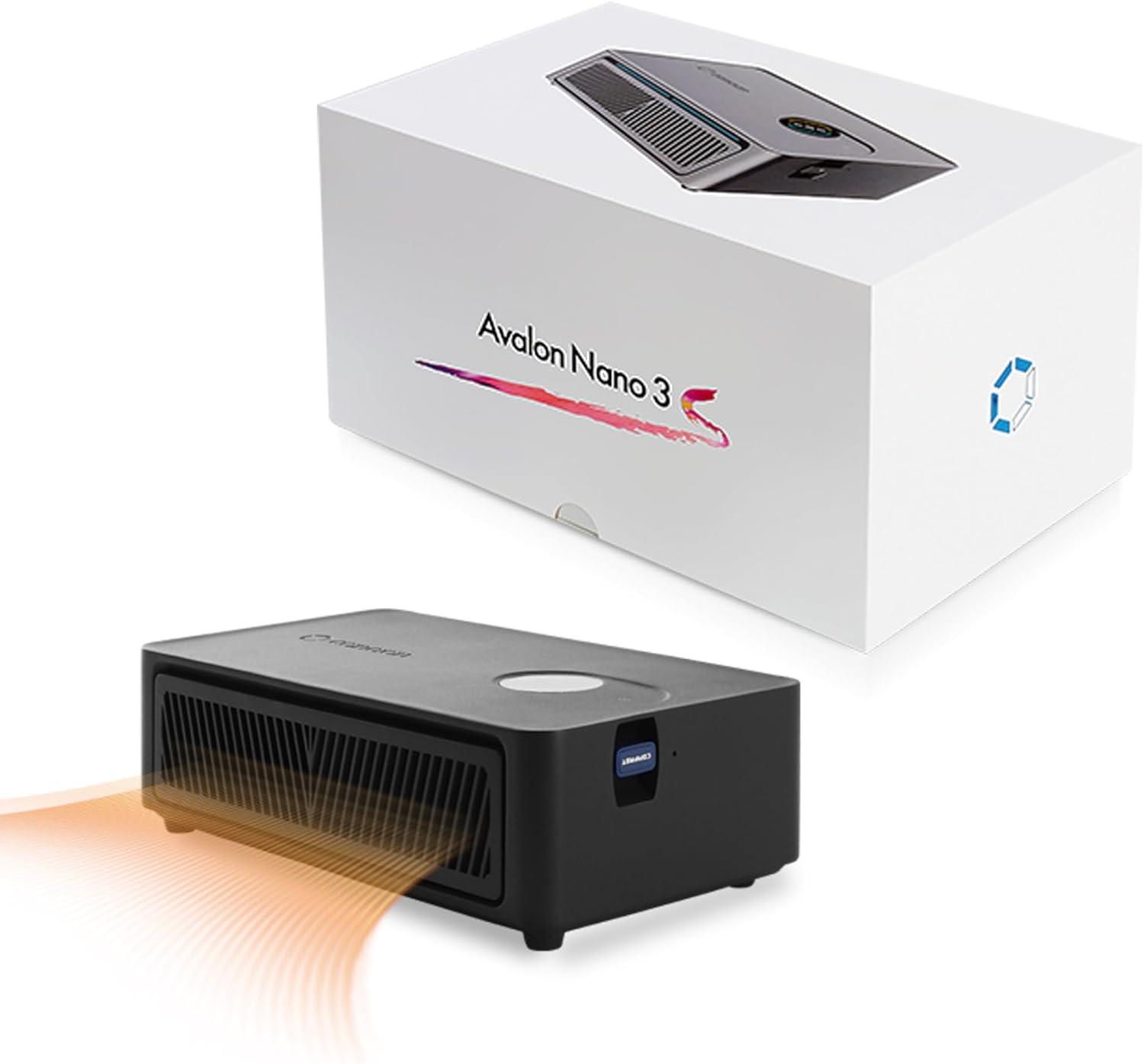
- 1 × Canaan Avalon Nano 3S in the selected black or white color
- 1 × 28V, 5A, 140W GaN power adapter with PD 3.1
- 1 × North American AC power cable
- 1 × USB Wi-Fi module
- 1 × F2Pool service card
- 1 × instruction manual and quick-start guide
Why Buy the Avalon Nano 3S From Solo Satoshi?
- Authorized distributor: Solo Satoshi supplies genuine Canaan home-mining hardware.
- US inventory and support: Orders and technical support are handled from Conroe, Texas.
- Complete setup package: The GaN adapter, North American cable, Wi-Fi module, and documentation are included.
Warranty & Returns
360-day Canaan limited warranty from first device registration; exclusions apply See our Return & Warranty Policy for details.
Eligible unused items may be returned within 14 days of the order date, subject to the conditions and fees in our Return & Warranty Policy.
Helpful Guides
Canaan Avalon Home Series Guide
Compare the Nano 3S, Mini 3, and Avalon Q by hashrate, power, noise, size, and heat output.
How to Start Bitcoin Mining
Prepare a wallet, network connection, pool settings, power, airflow, and monitoring workflow.
Best Bitcoin Solo Mining Pools
Compare solo-pool options and understand URLs, ports, fees, payout rules, and trust assumptions.
Bitcoin Mining Calculator
Estimate electricity expense and expected mining value using current conditions and your own rate.
How much hashrate does the Avalon Nano 3S produce?
How much power does the Avalon Nano 3S use?
Does the Avalon Nano 3S include its power supply?
What colors are available?
How loud is the Avalon Nano 3S?
Does the Nano 3S support Ethernet?
Can the Nano 3S heat a room?
How do I configure the Avalon Nano 3S?
What should I know about the Nano 3S power connector?
Can the Avalon Nano 3S solo mine Bitcoin?
Can the Nano 3S use a normal pool?
What warranty is included?
What maintenance does the Nano 3S need?
What comes in the Avalon Nano 3S box?
Is Avalon Nano 3S firmware open source?
Reviews for Avalon Nano 3S Bitcoin Solo Miner