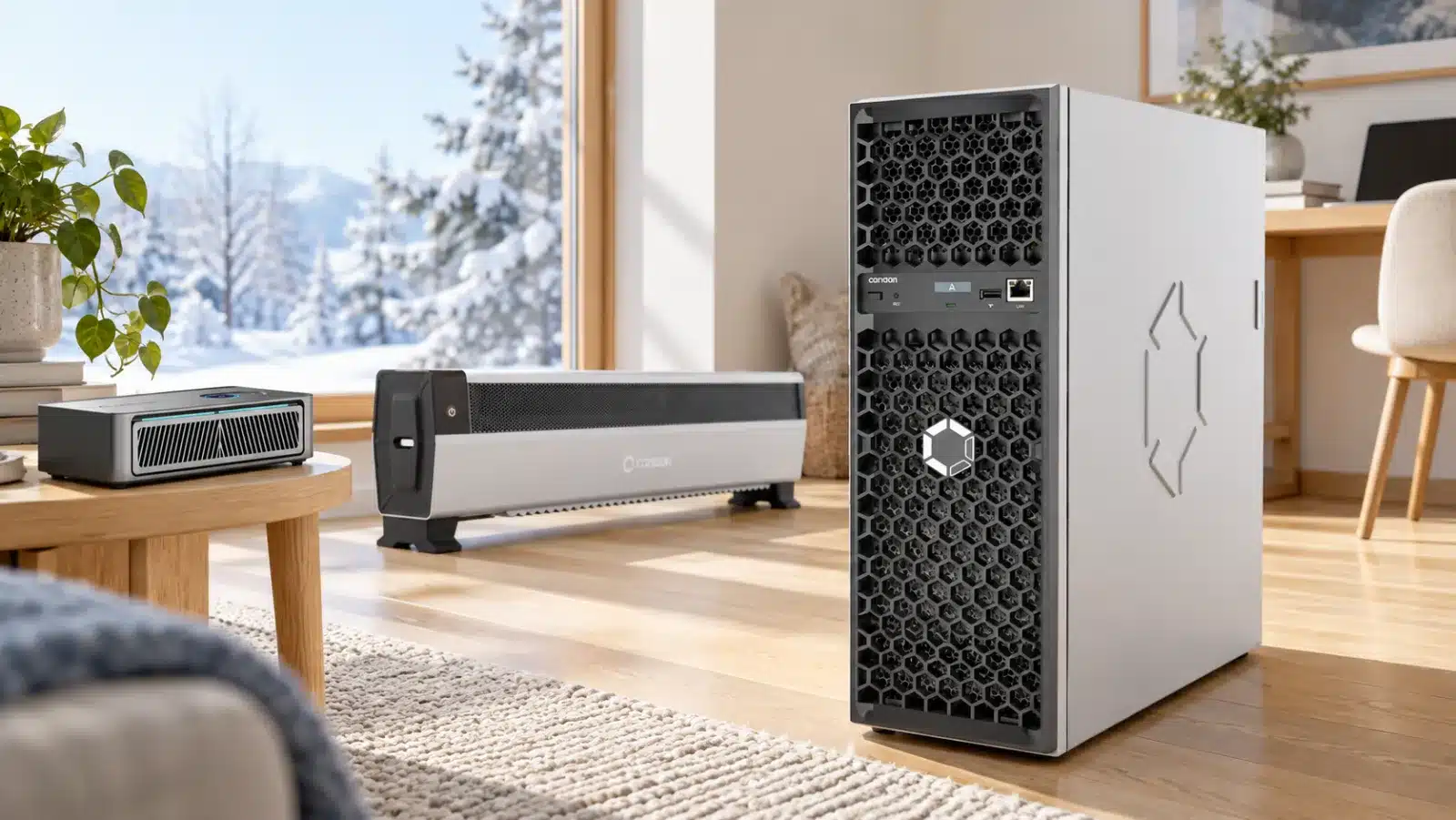
Avalon Home Series · Updated October 20, 2026
The Canaan Avalon Home Series ranges from the compact 6 TH/s Nano 3S to the 37.5 TH/s Mini 3 and the 90 TH/s Avalon Q. Each model offers a different balance of price, hashrate, power consumption, and noise for home Bitcoin mining.
The Nano 3S, Mini 3, and Avalon Q share a family name, but the right choice starts with your space and electricity budget. A miner that suits a desk is a different purchase from one drawing more than a kilowatt around the clock. This guide compares the models we carry, explains the trade-offs, and helps you work out what living with each one could look like.
We are an authorized Canaan distributor based in Conroe, Texas. We help home miners choose the right hardware and get comfortable with setup, power planning, and everyday operation.
Avalon home miners at a glance
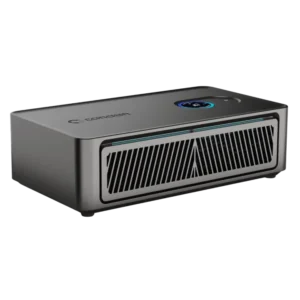
A smaller starting budget
Avalon Nano 3S
$219.00
A compact 6 TH/s desktop miner with the lowest power draw in this lineup.
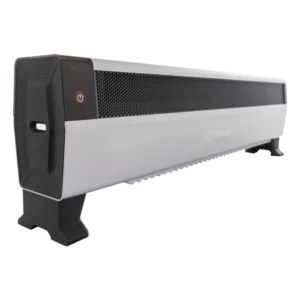
A step up in home hashrate
Avalon Mini 3
$749.99
A 37.5 TH/s home Bitcoin miner with a low-profile enclosure and app-based controls.
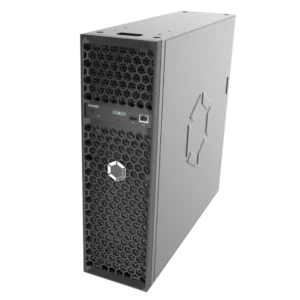
The most hashrate of the three
Avalon Q
$1,349.00
90 TH/s rated output and the best rated J/TH figure in this comparison.
Canaan Avalon Nano 3S vs Mini 3 vs Q
Compare the Avalon Home Series by price, hashrate, power consumption, and noise to find the right fit for your home. The models below are arranged by starting price, from the compact Nano 3S to the higher-output Avalon Q.
Swipe or scroll sideways to compare every column.
| Miner | Price | Rated hashrate | Rated / max power | Efficiency | Noise level | Price / TH/s |
|---|---|---|---|---|---|---|
| Nano 3S | $219.00 | 6 TH/s | 140W | 23.3 J/TH | 30–40 dB | $36.50 |
| Mini 3 | $749.99 | 37.5 TH/s | 800W | 21.3 J/TH | 35–55 dB | $20.00 |
| Avalon Q | $1,349.00 | 90 TH/s | 1,674W | 18.6 J/TH | 45–65 dB | $14.99 |
Lower J/TH indicates better energy efficiency, while a lower price per TH/s means more hashing power for your budget.
Avalon Nano 3S: a practical first step into home mining
$219.00 · 6 TH/s · Up to 140W · Included GaN power adapter
The Nano 3S is the easiest of these three to make room for. Its compact enclosure sits on a desk or shelf, with a circular display for quick checks and a removable dust filter at the intake. The included 28V, 5A, 140W GaN adapter and USB Wi-Fi module take two common accessory questions out of the purchase.
At 6 TH/s, it is useful for learning how hashrate, accepted shares, pools, and payout addresses fit together. At $219, it also has the lowest purchase price in this lineup. It is a sensible gift for someone who wants to understand mining by actually running a miner.
Its 30–40 dB noise range suits a desk setup, with sound varying by fan speed and room acoustics. Place the Nano 3S on a stable surface with clear space around its intake and outlet.
Three power levels give it room to settle in
The Nano 3S offers Low, Medium, and High power levels. Approximate operating examples are 3.1 TH/s at 66W in Low and 4.8 TH/s at 104W in Medium. Canaan rates the Nano 3S at 6 TH/s and up to 140W in High. Actual hashrate and power vary with firmware, ambient conditions, and the unit. Check the app and a wall power meter when comparing operating costs.
The included USB Wi-Fi module is the recommended connection. Certain individual USB-to-Ethernet adapters are supported, but compatibility with every adapter or hub is not guaranteed.
Avalon Mini 3: 37.5 TH/s in a low-profile design
$749.99 · 37.5 TH/s · Up to 800W · Integrated power supply
The Mini 3 sits between the Nano 3S and Avalon Q in price, hashrate, and power consumption. Its long, low enclosure stands on two feet, with touch controls, a washable filter, and Avalon Family app management.
At 37.5 TH/s and up to 800W, it delivers substantially more hashrate than the Nano 3S with a lower maximum electrical load than the Q. Its published noise range is 35–55 dB. The 35 dB measurement applies to Heater mode at 500W and a 25°C ambient temperature; sound varies with operating mode and conditions.
At $749.99, the package includes its integrated power supply, North American cord, USB Wi-Fi receiver, and support feet.
Operating modes and controls
The Avalon Family app and on-device touch controls provide access to configuration, status checks, and operating modes. Mining Mode prioritizes hashrate, while Night Mode prioritizes quieter operation.
Install both support feet and place the miner upright on a firm, level surface. Keep the intake, filter, and outlet clear of nearby objects.
Avalon Q: more hashrate, with more power to plan for
$1,349.00 · 90 TH/s · 1,674W rated · Integrated power system
The Q is the higher-output choice in this three-model lineup. Its rated performance is 90 TH/s at 1,674W, with 18.6 J/TH efficiency. At $1,349, its hardware cost is about $14.99 per TH/s: the lowest purchase price per terahash of these three models.
That makes it appealing when you have a suitable place to run a larger miner and want more hashing work from one unit. It includes Ethernet, a Wi-Fi module, local management, and Avalon Family app control.
The Q operates in a 45–65 dB noise range. A dedicated mining area with unobstructed airflow and a suitable electrical circuit is a more practical location than a quiet desk.
Avalon Q power modes
The Q offers three nominal power modes: Eco at 800W, Standard at 1,300W, and Super at 1,600W. Its 90 TH/s rating corresponds to 1,674W. Lower-power modes reduce electricity use and hashrate.
Its AC input range is 110–240V, but voltage compatibility does not mean every household outlet or shared circuit can support continuous maximum operation. Check circuit capacity, the receptacle, cable, and other loads before choosing a mode. Our home-mining power guide explains why continuous-load headroom matters; use a qualified electrician when the circuit is uncertain.
The Q includes a North American power cable. UK, EU, and other regional cables are not included. Match the cable and supply arrangement to your location rather than assuming the box covers every region.
What does an Avalon home miner cost to run?
Electricity costs depend on power consumption, operating hours, and your electricity rate. The table below shows the cost of running each model continuously for 30 days at its rated or maximum power, using rates of $0.12 and $0.16 per kWh.
Swipe or scroll sideways to see both example rates.
| Miner | Energy used | At $0.12/kWh | At $0.16/kWh |
|---|---|---|---|
| Nano 3S · 140W | 100.80 kWh | $12.10 | $16.13 |
| Mini 3 · 800W | 576.00 kWh | $69.12 | $92.16 |
| Avalon Q · 1,674W | 1,205.28 kWh | $144.63 | $192.84 |
Monthly cost = measured watts ÷ 1,000 × operating hours × electricity rate. Operating mode, runtime, and downtime change the total. For the closest estimate, use measured wall power and your own utility rate.
Our first-year cost comparison
We calculated the purchase price plus one year of electricity for each Avalon home miner. The comparison uses 8,760 operating hours at each model’s rated or maximum power, before mining revenue.
Swipe or scroll sideways to compare both electricity rates.
| Miner | First year at $0.12/kWh | First year at $0.16/kWh |
|---|---|---|
| Nano 3S | $366.17 | $415.22 |
| Mini 3 | $1,590.95 | $1,871.27 |
| Avalon Q | $3,108.71 | $3,695.28 |
The Nano 3S requires the smallest first-year budget. At $0.12/kWh, the cost per TH/s of rated capacity works out to $61.03 for the Nano 3S, $42.43 for the Mini 3, and $34.54 for the Avalon Q. The Q provides the lowest cost per unit of hashrate in this calculation, while requiring the largest total budget.
Raising the electricity rate from $0.12 to $0.16/kWh adds $49.06 to the Nano 3S’s annual cost, $280.32 to the Mini 3’s, and $586.57 to the Q’s. Your power rate becomes a larger part of the buying decision as the miner’s electrical load increases.
Using the heat from mining
Avalon miners convert electricity into heat while mining Bitcoin. When that warmth replaces electric resistance heating you would otherwise use, the same electricity serves two purposes. Bitcoin earned through pool mining can help offset part of the electricity expense, depending on your power rate, mining revenue, and pool fees. For a closer look at practical setups and the economics, read our guide to hashrate heating.
Keep profitability separate from hardware value
No electricity-rate threshold guarantees a profit. Revenue changes with Bitcoin price, network difficulty, transaction fees, pool terms, accepted hashrate, and uptime. Use our Bitcoin mining calculator with current conditions and your actual operating mode instead of relying on a fixed daily-income claim.
Shared pools distribute rewards under their payout rules and thresholds; a small miner may take time to reach a withdrawal minimum. Solo mining through a compatible endpoint offers a chance of finding a block, but any of these miners could run indefinitely without finding one. The Q makes more attempts per second than the Nano 3S; it still does not offer a predictable solo payout. Our solo-mining odds calculator helps put the probability in context.
Getting your Avalon miner ready for everyday use
The family resemblance is strongest in the Avalon Family app. Each model still deserves its own power and placement check before you tap through onboarding.
- Choose a suitable location. Leave the intake and exhaust clear, keep the unit dry, and allow unobstructed airflow. A desk suits the Nano 3S; the Mini 3 needs stable floor space; the Q benefits from a dedicated spot.
- Match the power equipment. Use the Nano’s bundled adapter and cable. The Mini 3 and Q have integrated power systems, but still need an appropriate wall connection and circuit.
- Connect the right network hardware. Nano 3S and Mini 3 use their included USB Wi-Fi modules. The Q also has an Ethernet port. USB LAN support on the smaller models is adapter-specific.
- Follow the current Avalon Family instructions. Add the device, join your network, and keep the app and miner on an appropriate private local network. Use current official firmware and a strong device password.
- Add compatible pool details. Check the URL, port, worker name, and payout address against the chosen provider’s instructions. Pool payout thresholds and fees matter, especially at lower hashrates.
- Start conservatively and check the result. Choose a lower mode first, then confirm accepted shares, stable power, fan operation, and clear airflow before increasing output.
For help with the first steps, read our guide to starting Bitcoin mining and our solo-pool comparison.
Avalon Family app: setup and monitoring
The Avalon Family app brings setup and everyday controls together for the Nano 3S, Mini 3, and Avalon Q. Add your miner, connect it to your home network, and configure its mining pool. Once connected, you can check reported hashrate, review the selected power setting, and open the controls available for your model.
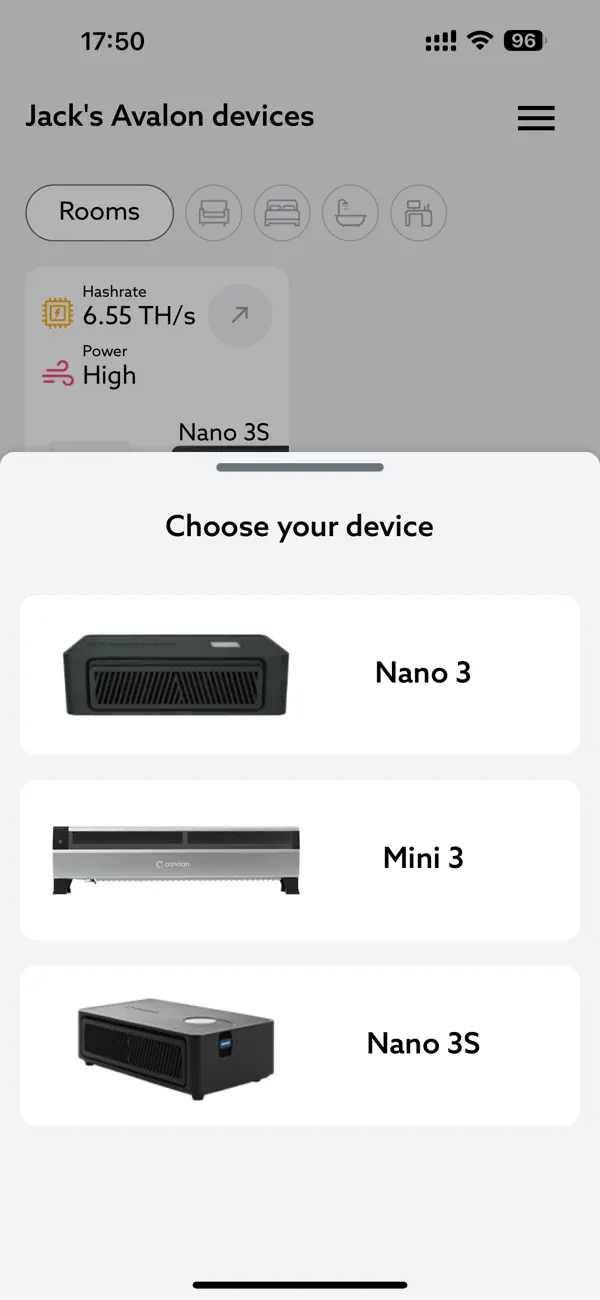
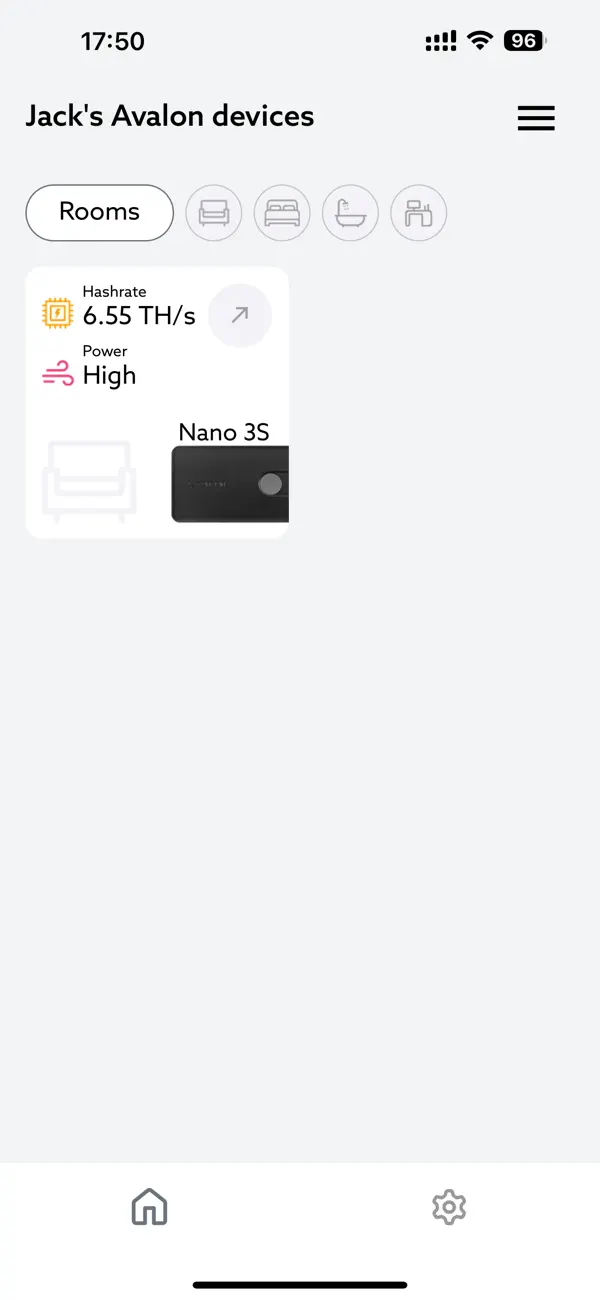
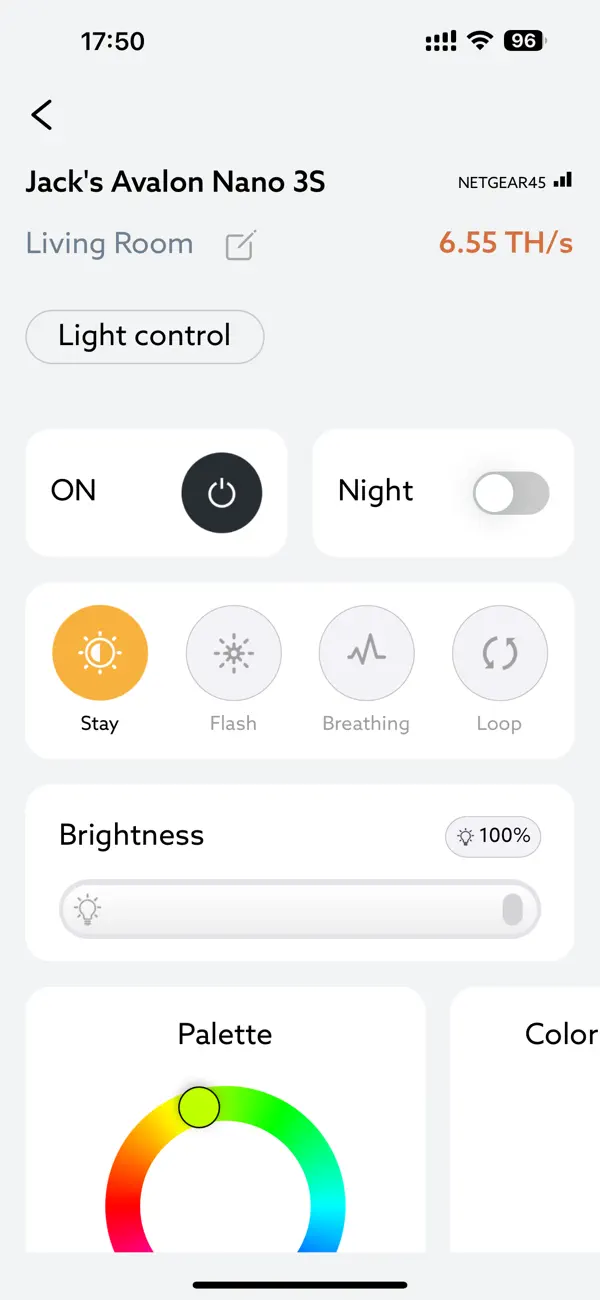
Keep your phone and miner on the same local network for everyday app management. When entering pool settings, use your pool’s exact server address, worker format, and password requirements. Your Bitcoin payout address belongs in the pool account or worker configuration specified by that pool.
A little maintenance goes a long way
Inspect filters, ventilation openings, and power connections regularly. Shut down, unplug, and let the miner cool before cleaning. For the Mini 3’s washable filter, follow the manual and reinstall it only when completely dry. Keep the Nano 3S power connector fully seated and free from strain, and watch for unusual heat or discoloration.
Operating-temperature limits also differ: −5°C to 30°C for Nano 3S, −5°C to 40°C for Mini 3, and −5°C to 35°C for Q. An enclosed cabinet or poorly ventilated room may exceed the operating-temperature limit.
Warranty and support should be part of the purchase
The Nano 3S, Mini 3, and Avalon Q carry a 360-day limited Canaan warranty starting with first device registration, subject to the manufacturer’s terms and exclusions. Warranty eligibility can be checked using the device’s serial number. We can help with purchase records, troubleshooting, and support coordination.
Support and setup resources: Mini 3 operating modes · Canaan support · Firmware and downloads
Which Avalon home miner fits your home?
Choose Nano 3S when you want a smaller purchase, a compact miner, and a practical way to learn. Its 140W maximum is easier to accommodate, and the included adapter helps keep the first setup straightforward.
Choose Mini 3 when you want more hashrate than a desktop miner with a lower power requirement than the Q. Its low-profile enclosure, app controls, and 37.5 TH/s rating place it between the other two models.
Choose Avalon Q when you want the most hashrate of these three and have planned for its electricity use, noise, and ventilation. Its stronger rated efficiency and lower hardware cost per TH/s are meaningful advantages when the operating conditions fit.
If you are considering the Nano 3S alongside smaller desktop miners, our Bitcoin miners under $500 comparison covers 11 models by hashrate, power, efficiency, and purchase price.
Find your place in the Avalon lineup
Start with your space, then your power budget. We can help you compare the models and put together a setup that makes sense for your home.
Which Avalon home miner should I choose?
How much do Avalon home miners cost?
Which Avalon miner is most energy-efficient?
How loud are Avalon home miners?
What do Avalon miners cost to run?
Do Avalon home miners include power supplies?
Can Avalon miners use household outlets?
Do Avalon miners support Wi-Fi and Ethernet?
Are Avalon home miners profitable?
Can Avalon home miners solo mine Bitcoin?
What warranty covers Avalon home miners?