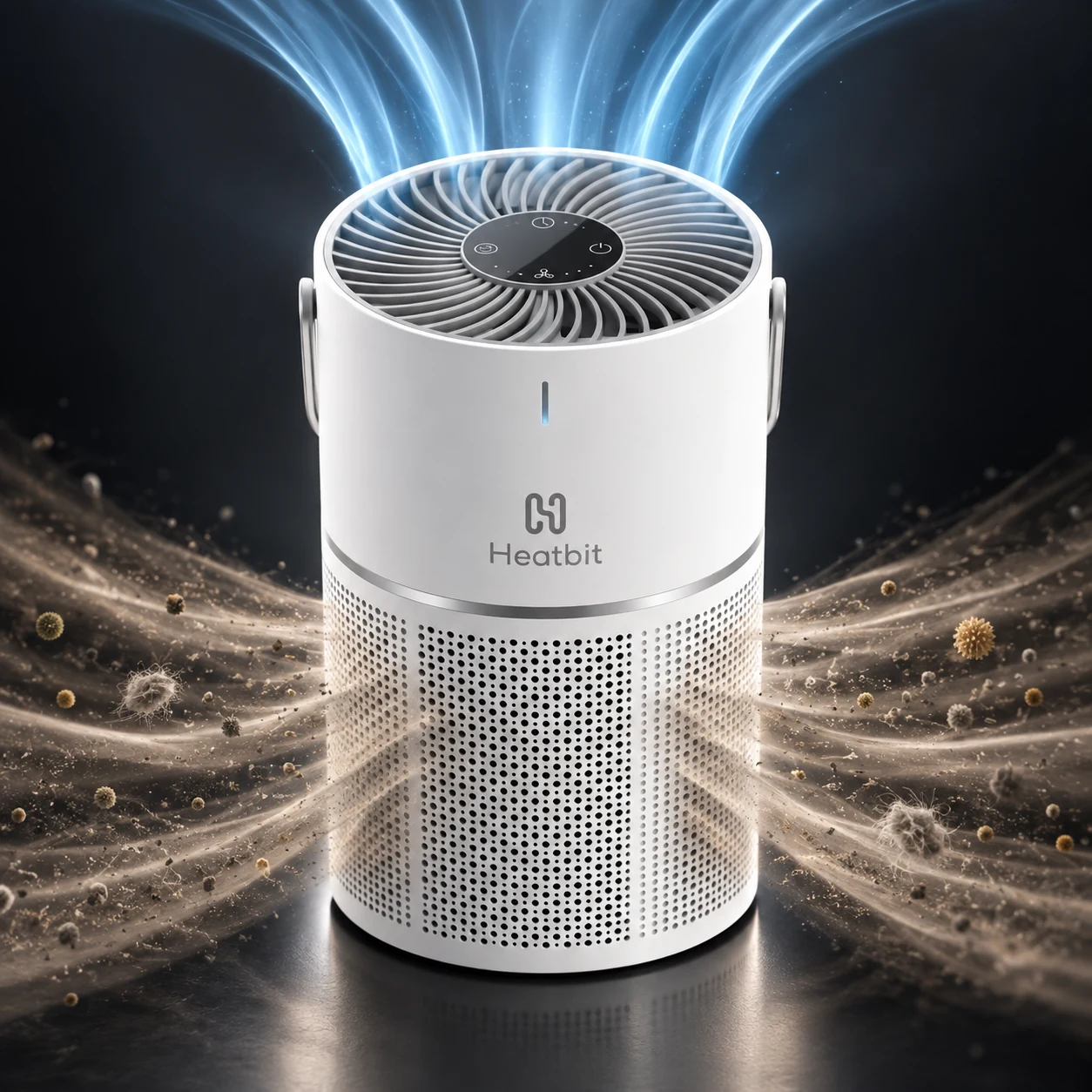
The Heatbit Bitair combines three-stage air filtration with a 1.2 TH/s SHA-256 Bitcoin miner in a compact tabletop appliance. It cleans room air while mining through solo or pool mode, with controls and monitoring in the Heatbit app.
Solo Satoshi is based in Conroe, Texas. Contact our team for current Bitair availability, pricing, parcel shipping, or local storefront pickup options. This guide covers its filtration, mining modes, specifications, electricity costs, setup, and maintenance.
Quick overview
- What Bitair combines: Heatbit Bitair is a small-room air purifier with a built-in Bitcoin miner, manufacturer-rated at 1.2 TH/s, and controls in the Heatbit app. Purification and mining can be controlled separately.
- Air-cleaning limits: Pre-filter, HEPA, and activated-carbon layers are paired with a listed particle CADR of 100 m³/h and coverage up to 200 sq ft. Placement, fan speed, room conditions, and filter condition affect real cleaning.
- Electricity cost: Maximum listed total power is 25 W, or 0.60 kWh per day. Continuous operation at that level costs about $2.74 per average month at $0.15/kWh, excluding purchase cost, filters, and mining rewards.
- Mining rewards: Solo mode pays only for a successful accepted block under the service terms. Pool mode follows the chosen operator’s reward method, fees, and payout thresholds; neither guarantees recovery of the device’s cost.
- Setup and maintenance: Use the Heatbit app to connect 2.4 GHz Wi-Fi, confirm the account and reward destination, and check actual mining activity. Keep the lower intake and top outlet clear and maintain the filter according to Heatbit’s instructions.
- Best use: Bitair suits users who want air purification with low-power hobby mining. Its small heat output does not make it a room heater, and the video, specifications, cost calculations, and linked setup walkthrough explain its practical limits.
Heatbit Bitair Review and Setup
What Is the Heatbit Bitair?
Bitair is a portable air purifier with an integrated Bitcoin mining chip. It pulls room air through a lower 360-degree intake, passes it through a three-layer filter, and exhausts filtered air through the top grille. At the same time, its ASIC performs SHA-256 hashes in solo or pool mode.
Air purification runs alongside mining. You can also disable mining in the Heatbit app and use Bitair as an air purifier on its own.
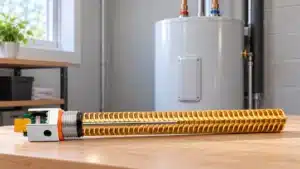
For Heatbit’s approach to hot water, our Bitwater water-heating guide explains compatible tanks, installation, and running costs.
Heatbit Bitair Specifications
| Specification | Specification details |
|---|---|
| Hashrate | 1.2 TH/s |
| Algorithm | SHA-256 |
| Maximum power | 25W total; mining chip 17W |
| Mining-chip efficiency | Manufacturer rating: approximately 15 J/TH; total-device power also includes the fan and electronics |
| Mining modes | Solo or pool |
| Filtration | Pre-filter, true HEPA, and activated carbon |
| Particle capture | Manufacturer-rated 99.97% particle capture at 0.3 microns and larger through the filter |
| Room coverage | Up to 200 sq ft |
| Particle CADR | 100 m³/h |
| Gaseous pollutant CADR | 80 m³/h |
| Airflow capacity | 100 CFM |
| Noise | 25 to 44 dB |
| Dimensions | 158 x 259 mm |
| Power connection | USB-C |
| App | Heatbit app for setup, mining, air data, and filter status |
| Warranty | Heatbit publishes a 12-month limited warranty for eligible direct purchases; confirm the terms that apply to your retailer purchase. |
The 25W maximum covers the complete device. At 1.2 TH/s and 25W, whole-device efficiency is approximately 20.8 J/TH. See Heatbit’s product specifications for the manufacturer ratings. CADR measures clean-air delivery, while airflow measures air volume moved; the published 100 m³/h CADR and 100 CFM airflow figures are different metrics, not equivalent units.
Heatbit’s published warranty terms describe eligible direct purchases and exclusions. For a Solo Satoshi order, confirm the applicable coverage and support process with our team before purchase.
How Air Moves Through Bitair
Bitair uses a bottom-to-top airflow path:
- Intake: Air enters through the perforated lower shell from around the device.
- Pre-filter: The first layer catches larger material such as hair, lint, and visible dust.
- True HEPA layer: The pleated media captures fine airborne particles. Heatbit publishes 99.97% capture at 0.3 microns and larger.
- Activated carbon: Carbon media adsorbs many odor-producing compounds and VOCs.
- Exhaust: The fan returns filtered air through the spiral top grille.
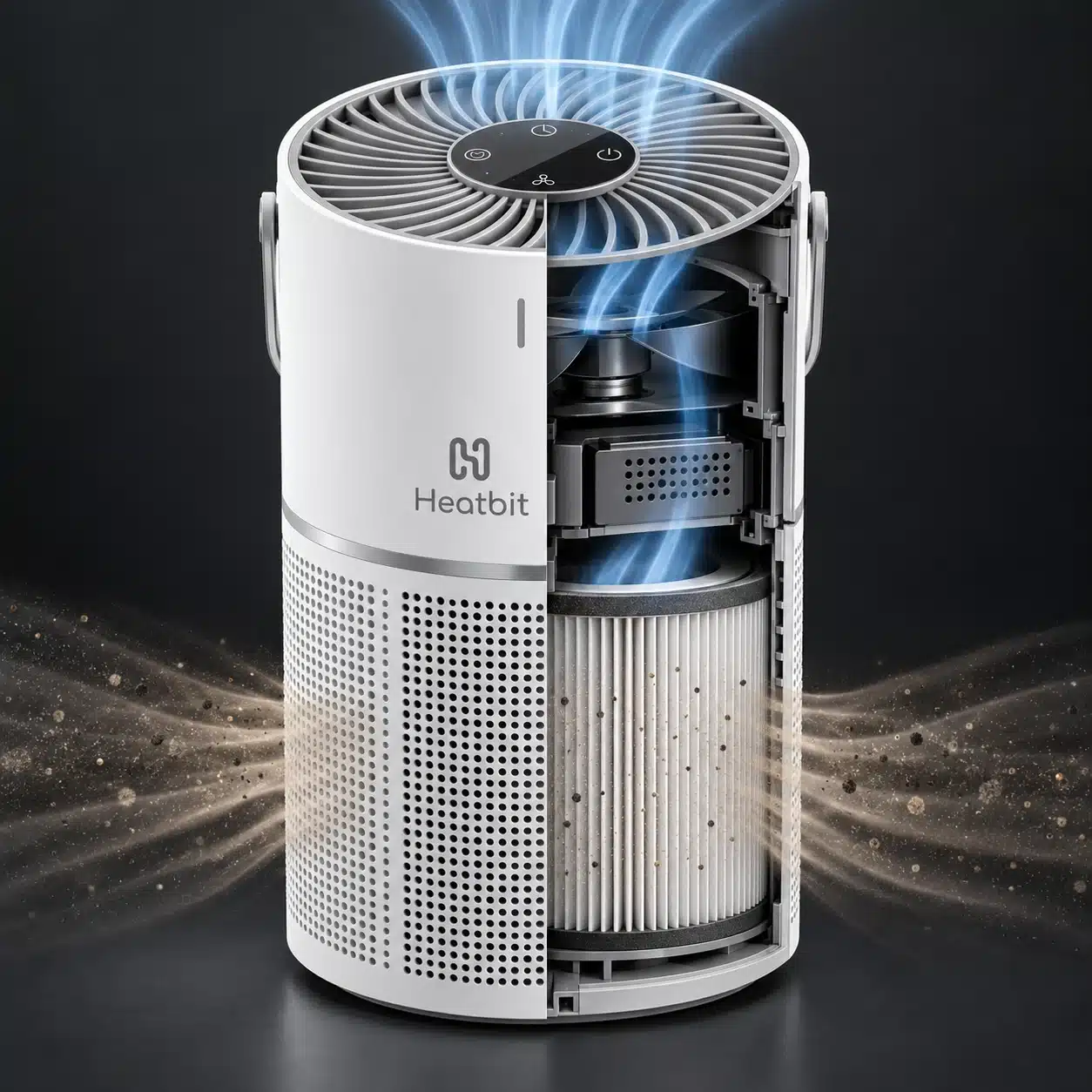
Filter performance depends on fan speed, filter condition, room layout, placement, and replacement intervals. This filter rating does not mean that 99.97% of a room’s pollutants disappear in one pass. The EPA explains how HEPA filtration captures particles; its guide to air cleaners in the home explains room sizing and the limits of particle and gas removal.
Seasonal Pollen and Outdoor Air
A HEPA purifier can capture airborne pollen that reaches the filter, but it cannot stop new pollen from entering through an open door or window. During high-pollen periods, close exterior openings when practical, place Bitair where room air can circulate around its lower intake, and avoid hiding it behind curtains or furniture.
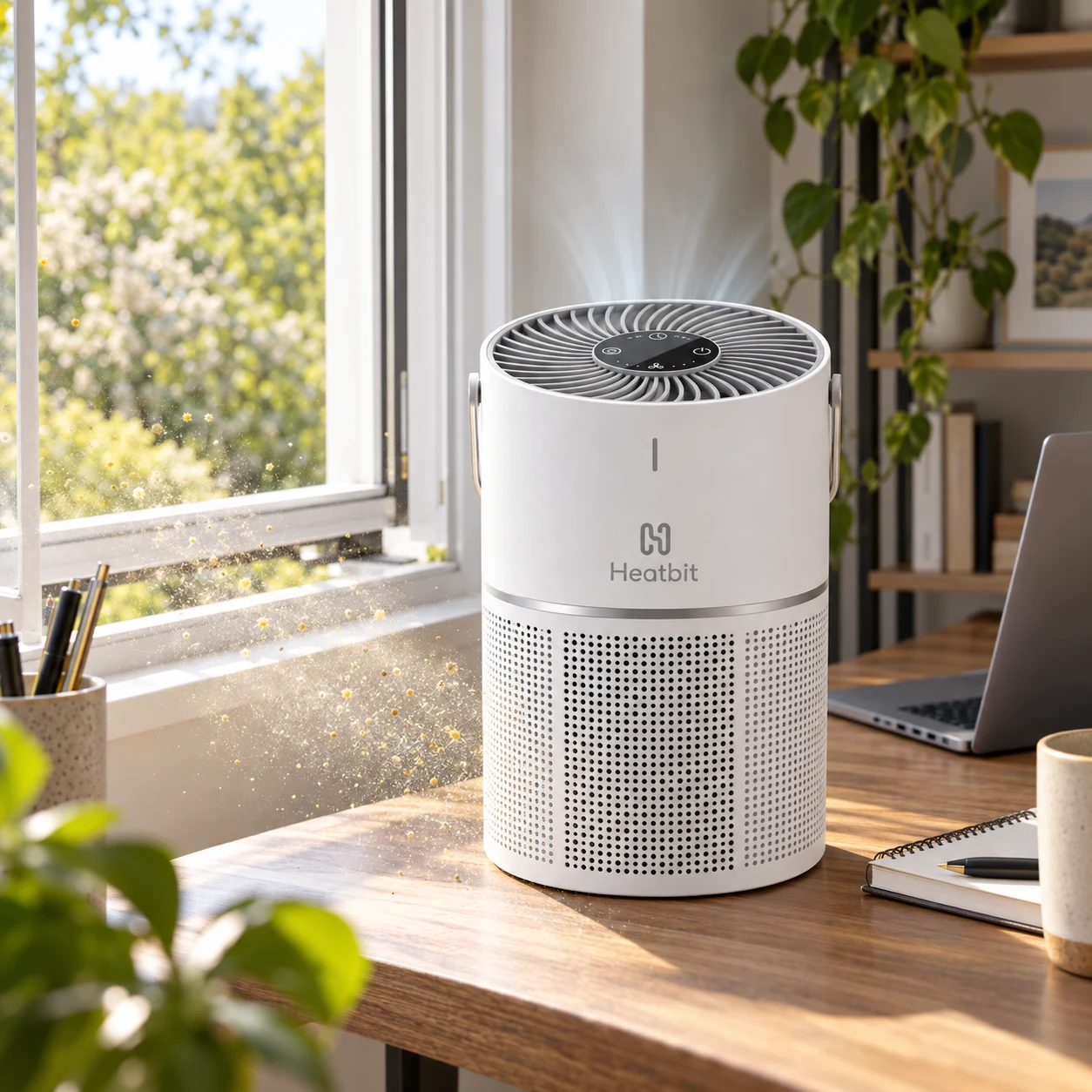
Air purification is one part of exposure control. Cleaning surfaces, washing bedding, maintaining HVAC filters, and controlling outdoor-air entry remain important.
How the Bitcoin Miner Fits Into an Air Purifier
The mining chip repeatedly hashes candidate Bitcoin block headers, the core computation behind how Bitcoin mining works. That computation consumes electricity and produces a small amount of heat. Bitair’s airflow manages the electronics while also moving room air through the filter. At 1.2 TH/s it is a participation-focused home miner, not a substitute for an industrial ASIC measured in hundreds of terahashes per second.
The mining function is real, but rewards are never guaranteed. Network hashrate, network mining difficulty, uptime, selected mode, fees, and payout rules all affect results.
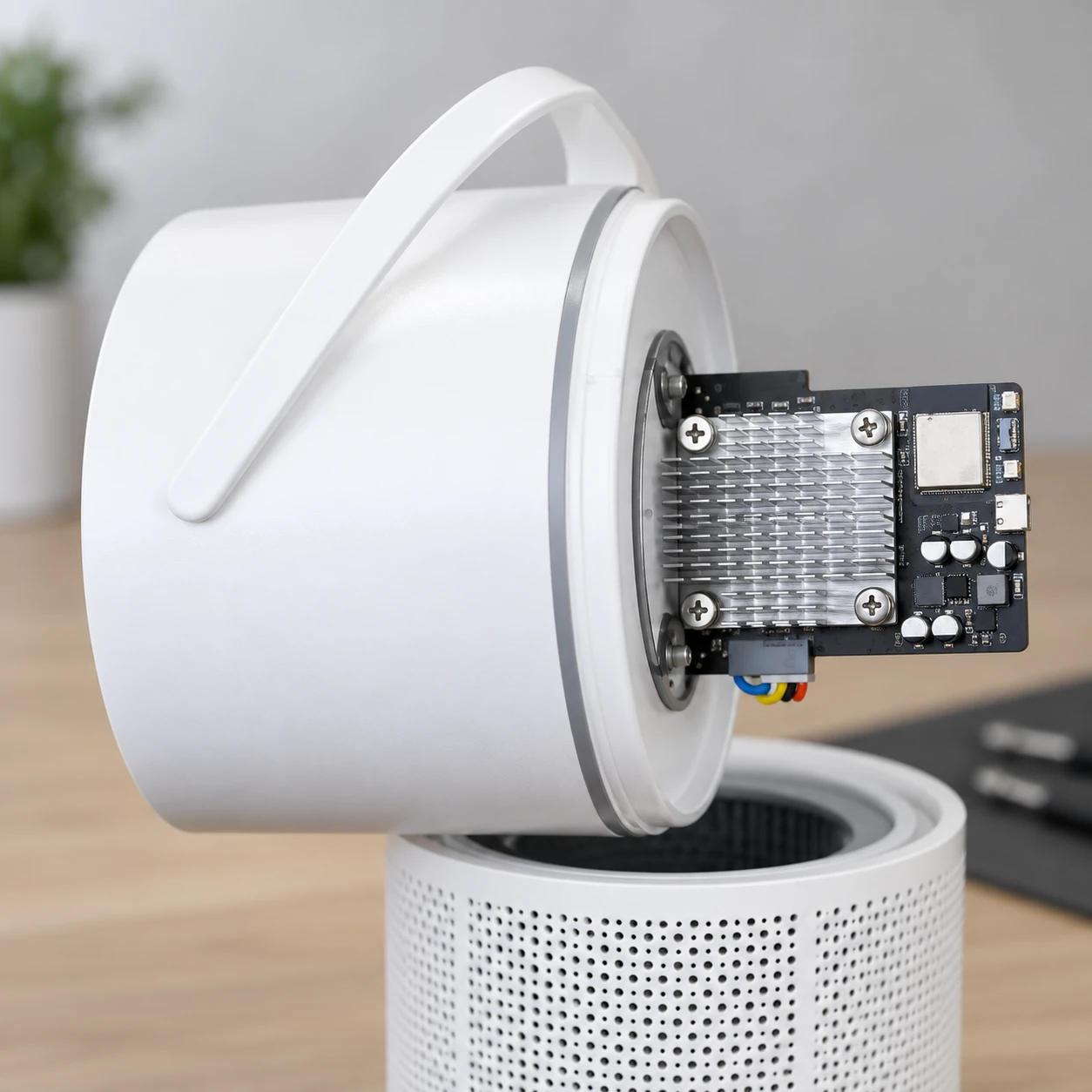
The removable upper assembly carries the compact mining PCB, aluminum heatsink, capacitors, connectors, and short wiring harness above the cylindrical filter body. Opening the enclosure may affect warranty coverage and can damage wiring, seals, or filtration components, so owners should follow Heatbit maintenance instructions.
Solo Mining Versus Pool Mining
Solo Bitcoin mining and pool mining perform the same SHA-256 work but distribute rewards differently.
| Mode | Reward pattern | Best understood as |
|---|---|---|
| Solo | No payout unless the miner finds a valid block; a successful find earns the available block reward and fees under the configured service’s terms. | A very-low-probability, high-variance lottery-style event |
| Pool | Hashrate contributes to a pool and rewards are allocated under that pool’s payout method, thresholds, and fees. | Smaller and more regular credited earnings |
The Heatbit app allows mode changes without rebuilding a conventional miner configuration. Before mining, verify the payout destination, compare solo mining pools, and understand the selected service’s custody, fee, and withdrawal rules.
What Does Bitair Cost to Run?
At the published 25W maximum, continuous operation uses about 0.60 kWh per day, 18.25 kWh per average month, or 219 kWh per year. Actual use may be lower depending on fan and mining settings. Use the Bitcoin mining profitability calculator to test electricity-rate and network assumptions.
| Electricity rate | Approximate monthly cost | Approximate annual cost |
|---|---|---|
| $0.10/kWh | $1.83 | $21.90 |
| $0.15/kWh | $2.74 | $32.85 |
| $0.20/kWh | $3.65 | $43.80 |
| $0.30/kWh | $5.48 | $65.70 |
These electricity figures assume 24-hour operation at 25W throughout a 365-day year; monthly figures use the annual average. They exclude mining rewards and filter replacements. Heatbit lists replacement filters at $20. Use the app’s filter-life indicator and manufacturer instructions to decide when to replace the filter.
Pets, Dander, Hair, and Household Dust
Homes with pets generate a mixture of visible hair, fabric lint, tracked-in soil, and microscopic dander. Bitair’s outer pre-filter is intended to intercept larger debris before it loads the finer HEPA media. The HEPA layer handles smaller suspended particles that reach the device.
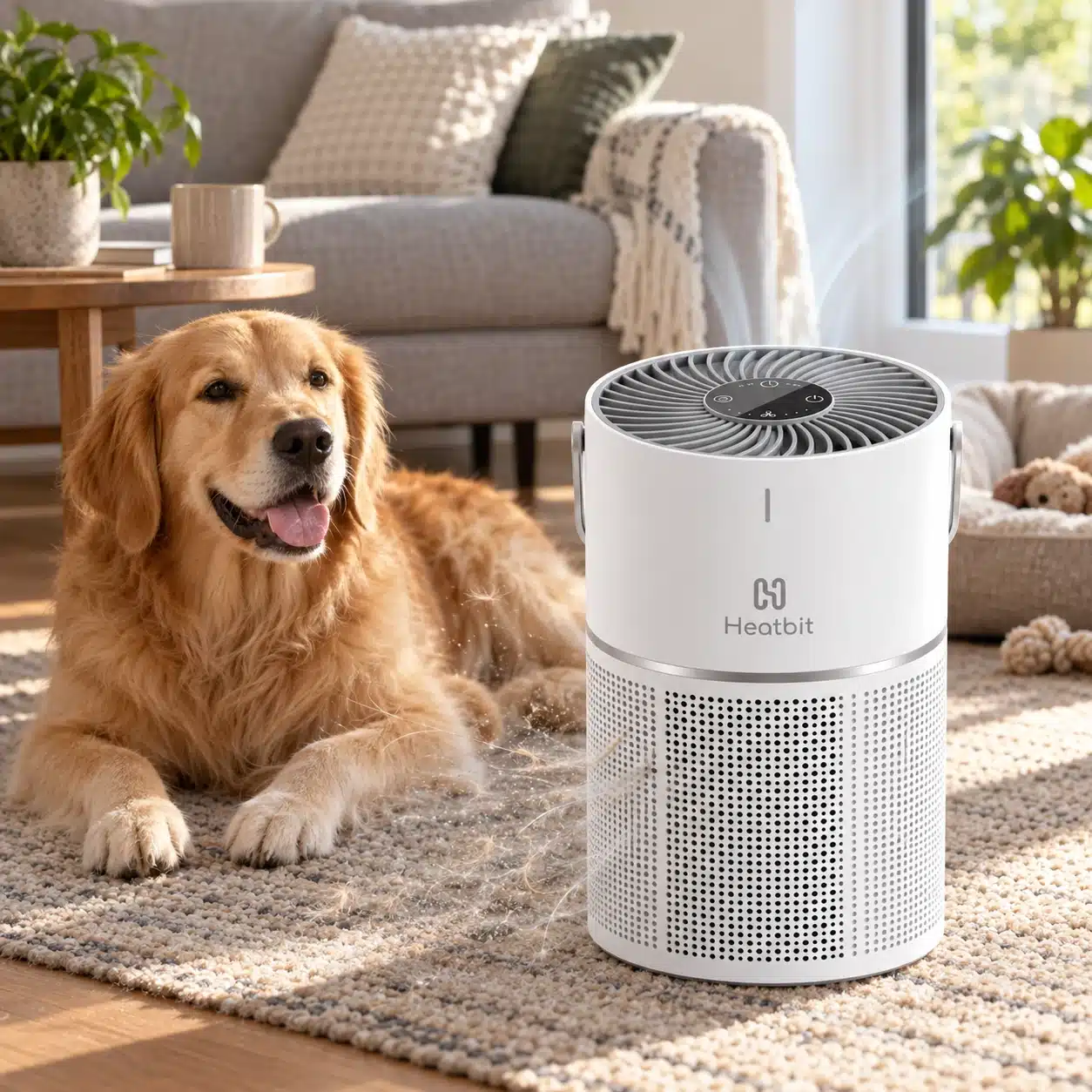
Place the purifier where the lower intake remains unobstructed. Vacuuming, laundering pet bedding, grooming, and timely filter replacement are still necessary because an air purifier cannot remove debris that has already settled onto floors and furniture.
Where Bitair Fits Best
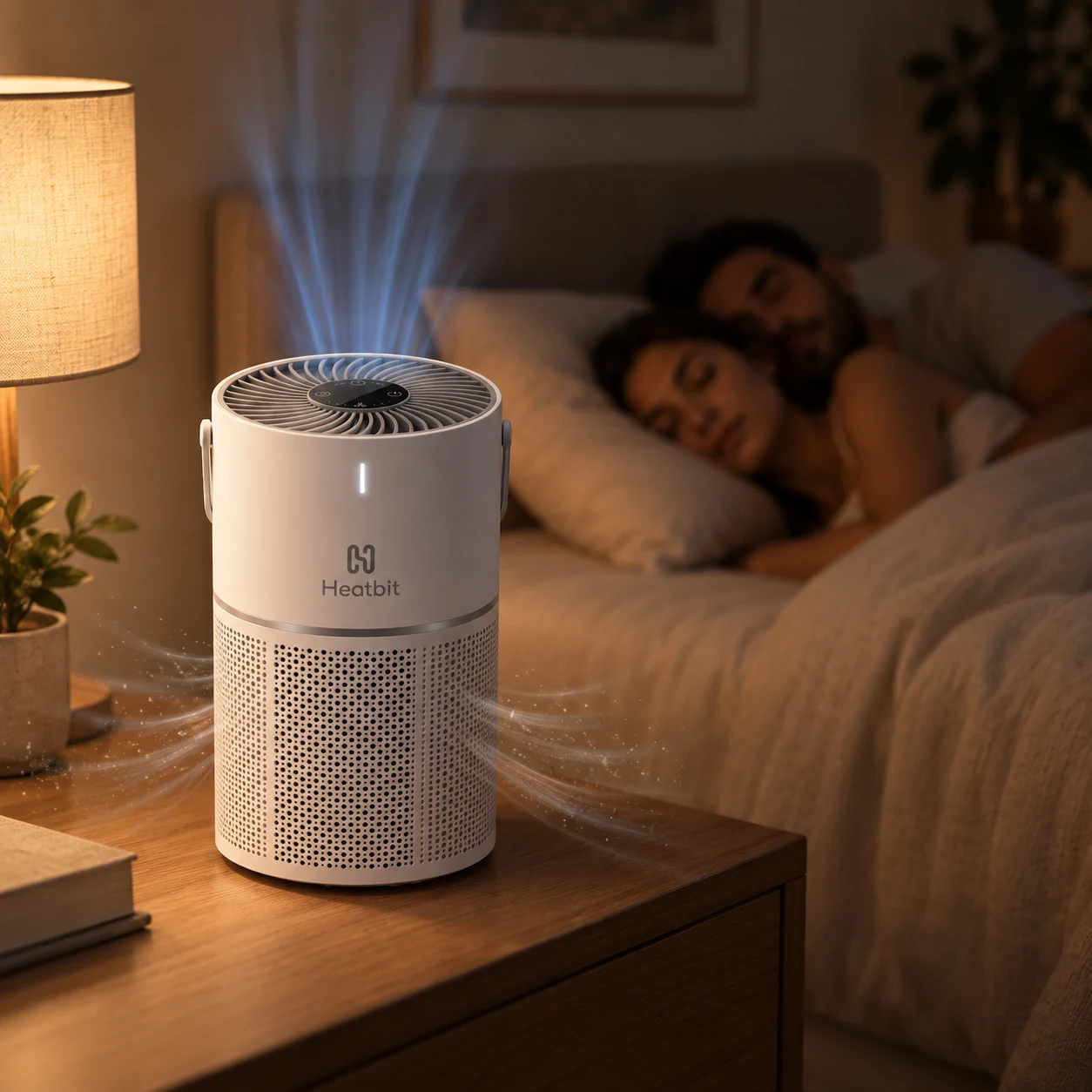
- Bedroom: Published noise begins at 25 dB in its quietest mode.
- Home office: The 200 sq ft coverage target suits many workspaces and studios.
- Apartment: USB-C power and compact dimensions avoid the electrical and ventilation demands of industrial miners.
- Bitcoin education: App-based hashrate data makes SHA-256 mining tangible without an exposed board.
Placement and Filter Maintenance
- Leave open space around the perforated lower intake and top exhaust.
- Use a stable, dry surface where curtains, bedding, papers, and pet toys cannot block airflow.
- Check filter life in the Heatbit app and inspect the pre-filter more often in dusty or pet-heavy rooms.
- Replace the filter according to condition and manufacturer guidance. A loaded filter reduces airflow and purification performance.
- Power the device with the specified USB-C supply and keep liquids away from the controls and exhaust grille.
How to Set Up Heatbit Bitair
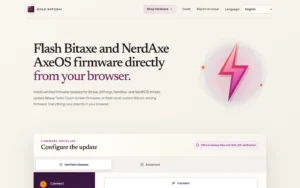
Set up Bitair in the Heatbit app: sign in, connect it to 2.4 GHz Wi-Fi, enter your own Bitcoin receiving address where the chosen service requires it, and verify mining activity. The full phone walkthrough below covers pairing, wallet entry, pool selection, and troubleshooting.
For the complete phone walkthrough, follow our Bitair setup guide, including 2.4 GHz pairing, wallet entry, pool settings, and connection troubleshooting.
The package includes the Bitair device, a pre-installed filter, and a power cable. Set it up on a stable, dry surface with space around the intake and exhaust.
- Connect power: Use the specified USB-C power supply.
- Connect to Wi-Fi: Follow the Heatbit app’s onboarding instructions.
- Set your reward destination: Confirm your Bitcoin wallet or payout details before starting mining.
- Choose a mining mode: Select solo or pool mining in the app and review the selected service’s fees and payout rules.
- Check operation: Confirm the device is connected, review hashrate and fan controls, and check filter status.
Use a strong home-network password and keep router firmware current. Wi-Fi and the Heatbit app support setup and connected monitoring.
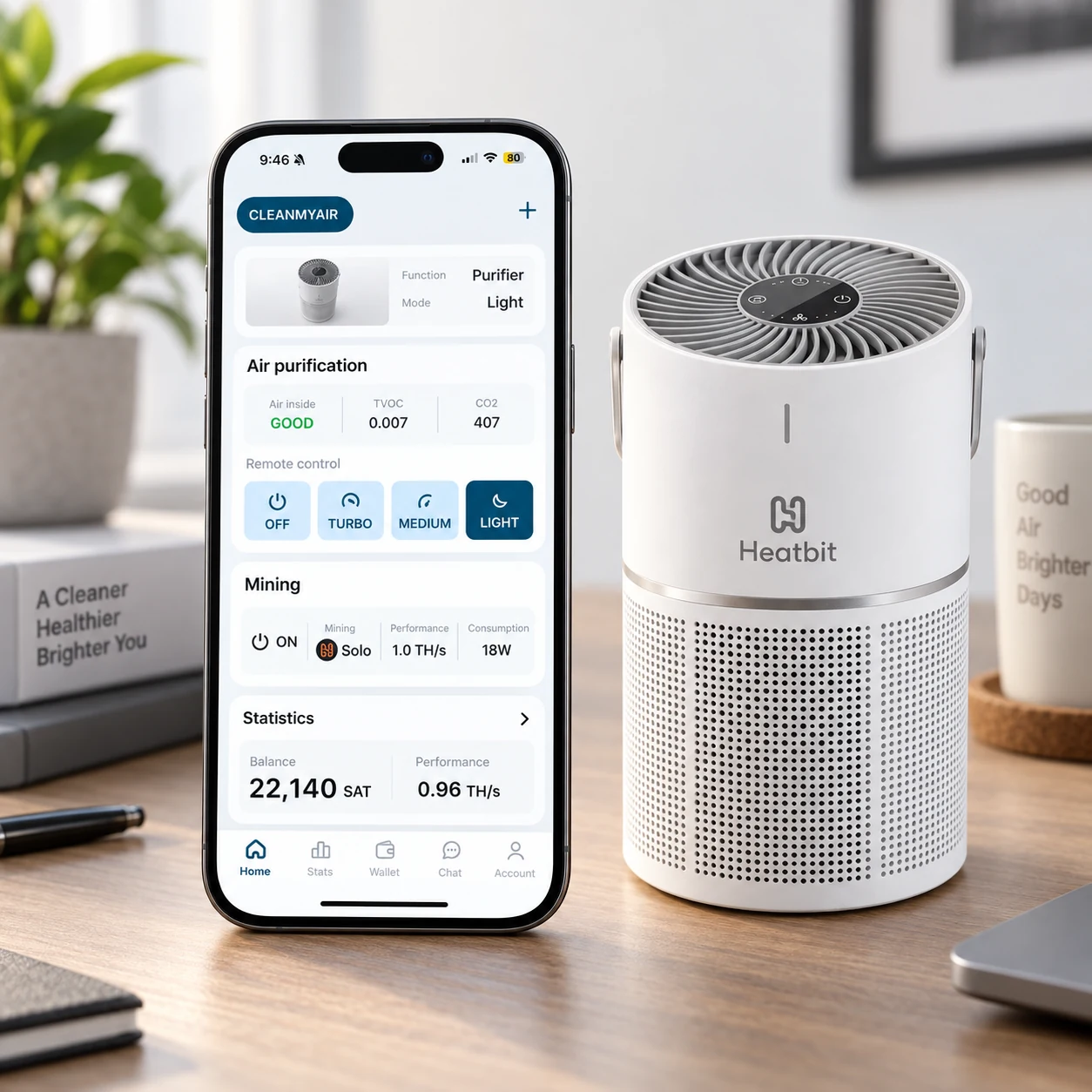
The Heatbit app combines purifier controls, air-quality readings, mining status, hashrate, power consumption, and wallet information in one interface. Pool-mode balances and withdrawals follow the selected service’s rules; solo mode does not generate regular payouts. Check the reward destination and withdrawal terms before relying on displayed earnings.
Important Limitations
- Bitair is not expected to produce predictable solo-mining income.
- It does not heat a room like Heatbit’s high-power mining heaters.
- Air-purifier coverage is affected by doors, ceiling height, room shape, placement, and filter condition.
- The HEPA claim applies to particle capture by the filter and does not mean the device removes every contaminant or prevents illness.
- Wi-Fi and the Heatbit app are required for setup and connected features.
Buy Heatbit Bitair From Solo Satoshi
For current Heatbit Bitair availability and pricing, contact Solo Satoshi. Our team in Conroe, Texas can advise on shipping, local storefront pickup, and product support.
Order Heatbit Bitair when available, or ask our team about current purchase options. For product or order questions, contact Solo Satoshi.
Solo Satoshi has shipped more than 60,000 devices to customers in over 70 countries. Bitair joins a catalog focused on approachable home mining, self-custody, nodes, and Bitcoin infrastructure.
Frequently asked questions
Specifications are manufacturer ratings. Actual power draw, noise, airflow, and mining performance depend on settings and operating conditions. Contact Solo Satoshi for current pricing and availability.