Description
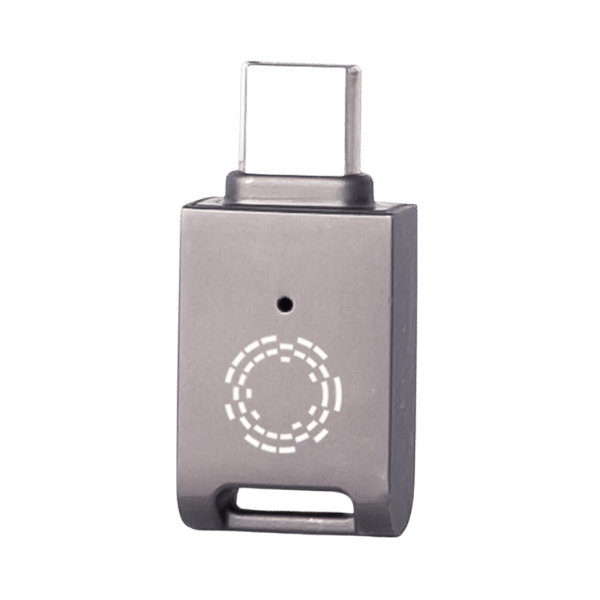
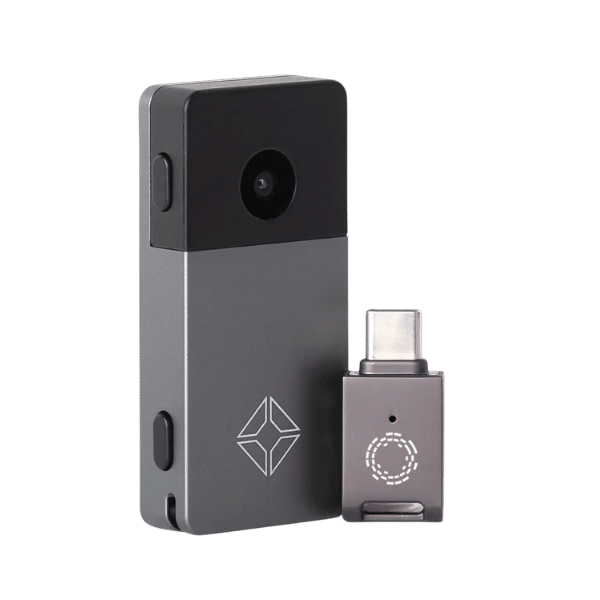
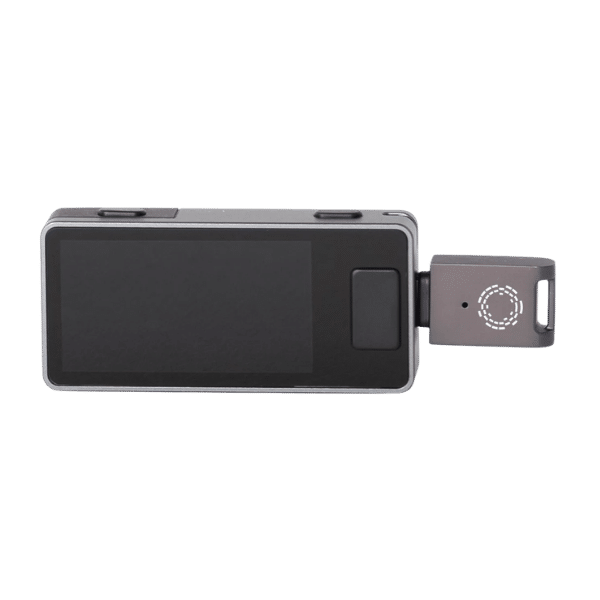
The Blockstream JadeLink is a 64GB USB-C storage drive designed for file-based, air-gapped workflows with Blockstream Jade Plus. It moves firmware files and partially signed Bitcoin transactions between an internet-connected coordinator and the Jade Plus without connecting the hardware wallet directly to that computer.
JadeLink is purpose-built for Jade Plus, but it is not a proprietary key device. Blockstream documents that compatible FAT32 USB storage can support the same workflows. JadeLink provides a compact metal form factor tested for the Jade Plus USB-C port.
What Is Included
- 1 x Blockstream JadeLink 64GB USB-C drive
A Jade Plus hardware wallet is not included.
JadeLink Specifications
| Specification | Details |
|---|---|
| Capacity | 64GB |
| Connector | USB Type-C |
| Material | Metal |
| Dimensions | 32 x 15 x 8 mm |
| Weight | 7 g |
| Compatibility | Blockstream Jade Plus |
| Primary uses | Air-gapped firmware upgrades and file-based PSBT signing |
How Air-Gapped PSBT Signing Works
- Create an unsigned PSBT in a compatible coordinator wallet.
- Save the unsigned transaction file to JadeLink.
- Disconnect JadeLink from the computer and connect it to Jade Plus.
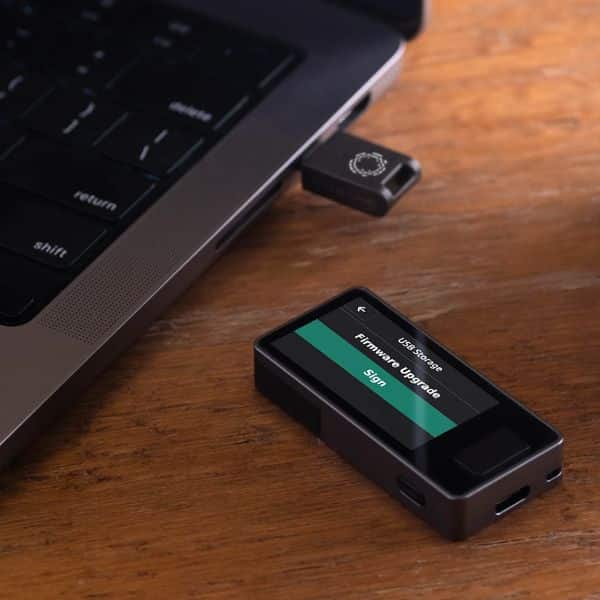
- Open the USB Storage signing workflow, select the PSBT, and verify every output and fee on the Jade Plus screen.
- Approve the transaction. Jade Plus writes the signed file back to JadeLink.
- Reconnect JadeLink to the coordinator, load the signed transaction, verify it again, and broadcast it.
The USB drive transports public transaction data and signatures. Your private keys remain on Jade Plus. Treat every unsigned transaction as untrusted until its destination, amount, and fee are verified on the hardware-wallet display.
How Air-Gapped Firmware Upgrades Work
- Download the official Jade Plus firmware binary and matching hash file from Blockstream.
- Verify the download according to Blockstream’s current instructions and keep both filenames unchanged.
- Copy the
.binand.hashfiles to JadeLink. - Connect JadeLink to the unlocked Jade Plus and choose Options, USB Storage, then Firmware Upgrade.
- Select the firmware file, review the version, confirm the upgrade, and allow the device to reboot.
Duplicate downloads may gain a filename suffix such as “(1),” which can prevent validation. Use only files obtained from Blockstream’s official firmware page.
JadeLink Compared With QR Signing
| Workflow | Best fit | Tradeoff |
|---|---|---|
| Animated QR | Routine Bitcoin transaction signing and address exchange | Large or complex PSBTs may require longer scans |
| JadeLink file transfer | Firmware files and large or complex PSBTs | Requires physically moving removable storage |
| Direct USB or Bluetooth | Convenient supported communication | The Jade Plus communicates directly with another device |
With its camera and USB storage support, Jade Plus can perform its supported Bitcoin workflow without a live USB data connection or Bluetooth session to the coordinator.
Safe Removable-Storage Practices
- Download firmware only from Blockstream and verify it using the official process.
- Keep firmware filenames unchanged and eject JadeLink cleanly before unplugging it.
- Verify transaction outputs, amounts, and fees on Jade Plus, not only on the computer.
- Do not store seed words, PINs, passphrases, or private-key exports on JadeLink.
- Delete old transaction files when they are no longer needed.
- Keep JadeLink separate from the hardware wallet when not in use if your threat model calls for it.
Official Blockstream Resources
Why Buy From Solo Satoshi?
- In stock: Available for parcel shipping or pickup at the Conroe, Texas storefront.
- Same-day handling: In-stock orders placed before 12 PM CT ship the same business day.
- Specialist support: Get help matching JadeLink to the correct Jade Plus workflow.
- Established seller: Over 60,000 devices sold to customers in over 70 countries.
Helpful Guides
How to Protect Your Bitcoin
Build a self-custody plan around verified transactions, resilient backups, privacy, and recovery testing.
Bitcoin Wallets 101
Understand private keys, hardware wallets, coordinators, recovery phrases, and signing.
What is Blockstream JadeLink?
Which hardware wallet works with JadeLink?
Is a Jade Plus included with JadeLink?
Does JadeLink store my Bitcoin private keys?
Can JadeLink sign Bitcoin transactions?
Can JadeLink update Jade Plus firmware without connecting Jade Plus to a computer?
Do the firmware filenames matter?
Is JadeLink required for air-gapped use?
Can I use JadeLink with multisig PSBTs?
Should I save my recovery phrase on JadeLink?
What are the JadeLink dimensions and weight?
What ships with this product?
Where does Solo Satoshi ship JadeLink from?



Reviews
There are no reviews yet.