Description
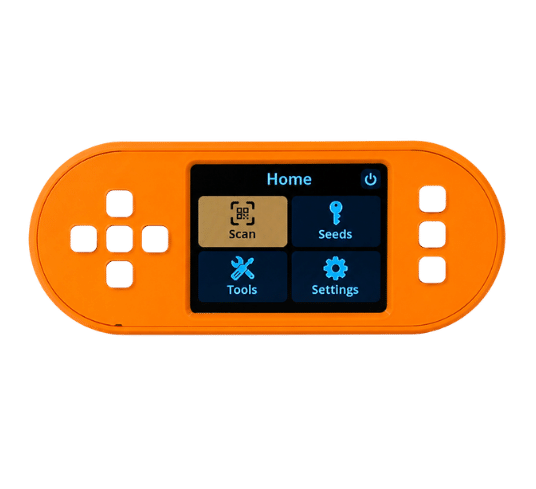
SeedSigner+ is a fully assembled, open-source Bitcoin hardware wallet and air-gapped signing device. Its larger 2.8-inch display and D-pad controls make QR review and navigation easier than on the compact original SeedSigner design. SeedSigner+ is stateless: seed material is loaded into volatile memory for a signing session and is designed not to persist after shutdown. Users must still protect their seed backups, passphrases, and hardware provenance.
Following the SeedSigner project’s published seller guidance, the included microSD card arrives blank. You download the official SeedSigner OS image, verify its signature, and flash it yourself. This reduces reliance on vendor-installed firmware.
View the SeedSigner+ setup instructions.
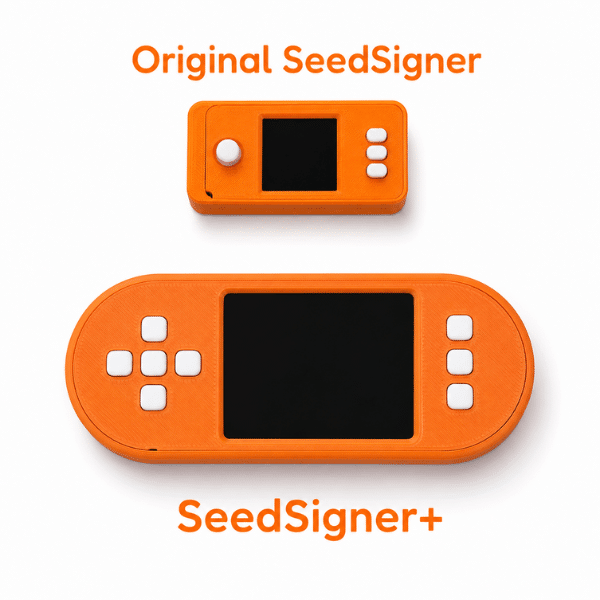
SeedSigner+ vs. Original SeedSigner
Both devices use the open-source SeedSigner workflow for stateless, QR-based Bitcoin transaction signing. SeedSigner+ changes the physical interface for people who want a larger screen and controls.
| Feature | SeedSigner+ | Original SeedSigner |
|---|---|---|
| Display | 2.8-inch IPS, 240 x 320 | 1.3-inch, 240 x 240 |
| Controls | D-pad and action buttons | Joystick and buttons |
| Form factor | Larger screen and enclosure | Compact DIY design |
| Signing workflow | Stateless and QR-based | Stateless and QR-based |
| Best for | Easier QR review and navigation | Compact, original SeedSigner build |
SeedSigner+ Specifications
| Specification | SeedSigner+ |
|---|---|
| Assembly | Fully assembled in the USA |
| Core board | Raspberry Pi Zero v1.3 (GPIO pins pre-soldered) |
| Wireless hardware | None. No WiFi or Bluetooth silicon on v1.3 |
| Display | 2.8 inch IPS, 240 x 320 resolution |
| Controls | D-pad style buttons |
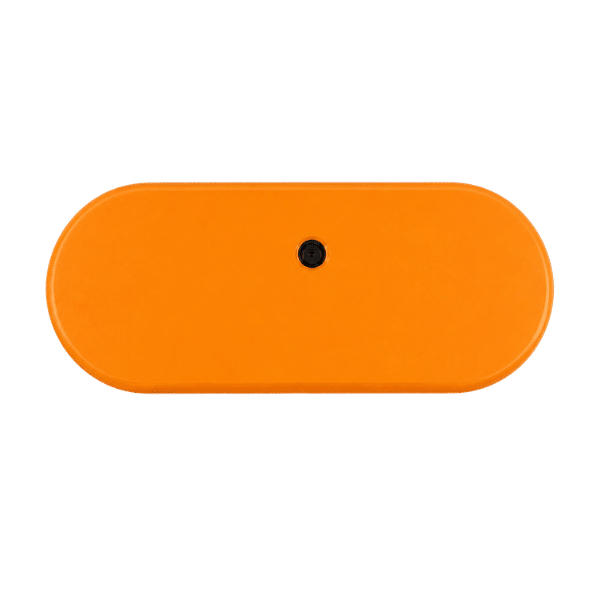
| Camera | “Zero Cam” Pi Zero camera module |
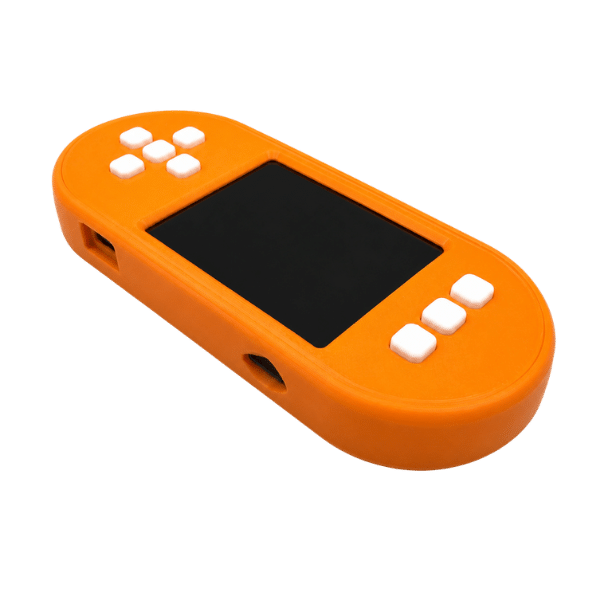
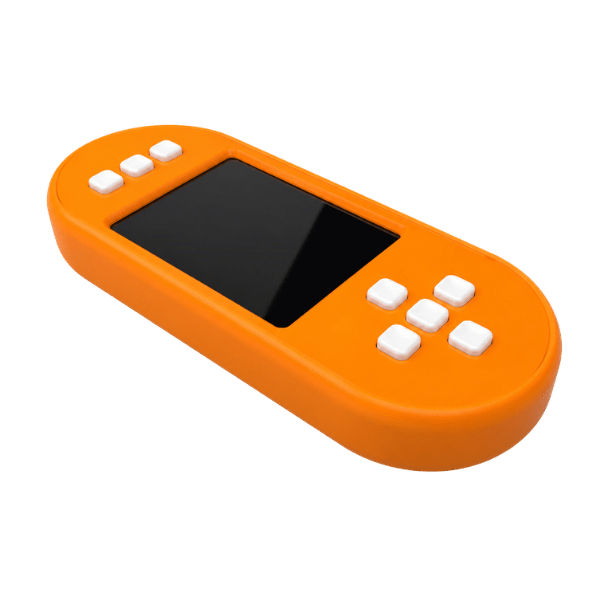
| Enclosure | 3D printed, orange |
| Storage | Spring-loaded microSD port, 64 MB minimum card |
| Power | USB-C, power-only port |
| Key storage | Stateless. Seed material is designed not to persist after shutdown |
| Software | SeedSigner OS (user-flashed, not preinstalled) |
| Sourcing | Direct from the SeedSigner project creator |
| Warranty | 90-day Solo Satoshi hardware warranty |
What Comes in the SeedSigner+ Box?
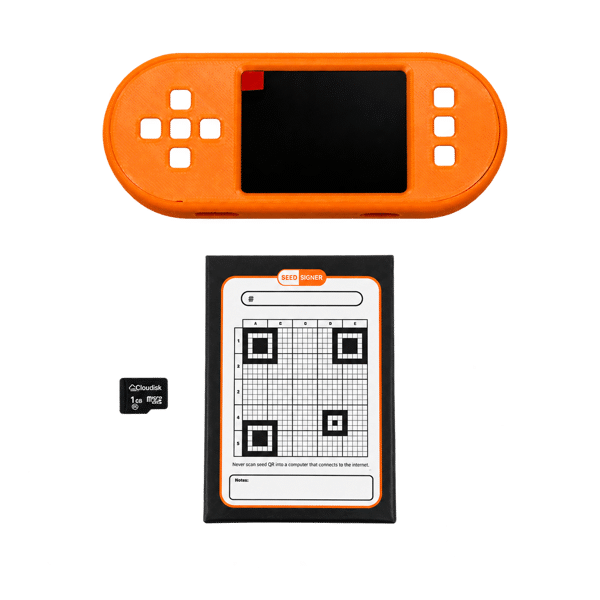
- SeedSigner+ signer (orange): Fully assembled in the USA in a 3D printed enclosure, tested, and ready to power on once you flash your own microSD card.
- microSD card: Ships blank. You flash the verified SeedSigner OS image yourself.
- SeedQR card pack: Blank 21×21 grid cards for hand-transcribing your seed phrase into a scannable SeedQR backup.
- Printed instruction page: Step-by-step first-run setup, including where to download and how to verify the software.
Each set is individually packaged, which keeps devices and their SeedQR cards discrete when you are buying multiple units for a multisig quorum.
Why Buy SeedSigner+ from Solo Satoshi?
- Sourced from the project creator: Every set comes from the person who created and leads the SeedSigner project, and the proceeds fund their work.
- USA assembly: Each SeedSigner+ is fully assembled in the USA with a 3D printed enclosure.
- Same-day shipping from Conroe, Texas: Domestic stock, no customs, no multi-week international transit.
- Blank microSD by default: We follow the SeedSigner project’s published seller guidance rather than preloading firmware.
- Human support: A small business with a US-based team and over 60,000 devices sold across 70+ countries.
- 90-day Solo Satoshi warranty: Full terms are in our warranty, refunds, and returns policy.
- Open-source across the board: The same open-source philosophy behind the Bitcoin miners and Bitcoin nodes we sell.
Further information about the SeedSigner project can be found at: https://github.com/SeedSigner/seedsigner or at https://seedsigner.com
Helpful Guides
How to Protect Your Bitcoin
Build a layered self-custody plan around secure keys, verified backups, recovery testing, and safe operational habits.
SeedSigner+ Setup Guide
Install verified SeedSigner OS and complete the first startup on your SeedSigner+.
Bitcoin Wallets 101
Learn how signing devices, wallet software, keys, and Bitcoin transactions work together.
Seed Phrase Entropy Explained
Understand how secure randomness supports seed generation and wallet recovery.
SeedSigner+ Case Free .STL Download
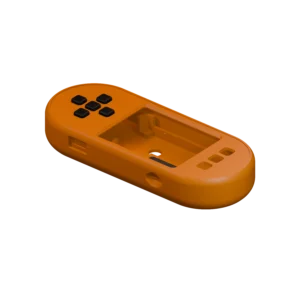
Download the main enclosure, front lid, D-pad, and shim STL files for the SeedSigner+ model.
SeedSigner+ Documentation
The locally hosted setup guide provides illustrated SeedSigner+ setup and operating instructions for fully assembled kit owners.
What is SeedSigner+?
How is SeedSigner+ different from the original SeedSigner?
Is SeedSigner+ a Bitcoin hardware wallet?
What comes with the SeedSigner+ kit?
How does stateless operation protect Bitcoin keys?
Why does the microSD card arrive blank?
How do I install or update SeedSigner OS?
Which Bitcoin wallet software works with SeedSigner+?
How does QR transaction signing work?
Can SeedSigner+ be used for multisig?
Does SeedSigner+ support BIP39 passphrases?
What happens if SeedSigner+ is lost or damaged?
Can SeedSigner+ generate a seed with dice or camera entropy?
Can SeedSigner+ verify Bitcoin receive addresses?
Can SeedSigner+ work with my own Bitcoin node?

Reviews for SeedSigner+ Fully Assembled Kit & Accessories